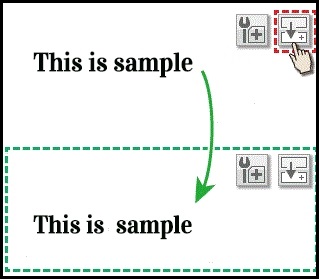
If you are creating a homepage, you may add a number of similar parts.For example, when you add a “text” part, you have the opportunity to create a part with the same settings to match the design and text size.
In that case, you can add parts with the same settings with a single button by using duplicate parts.
Let's see how to use the duplicate parts..
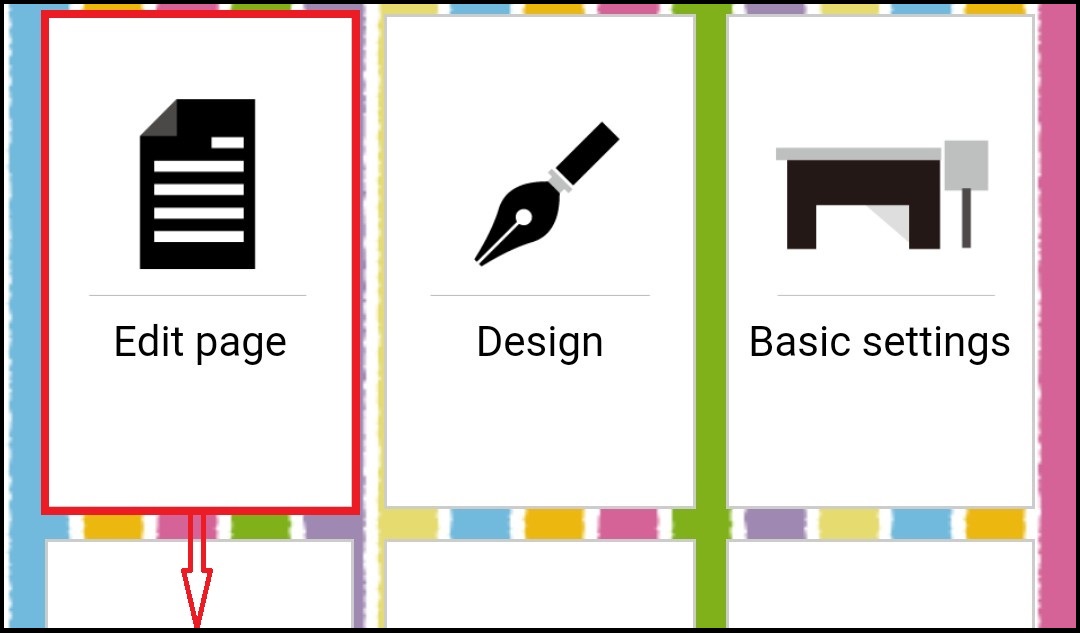
First, select the 'edit page' from the main menu and move to your page from the next screen.
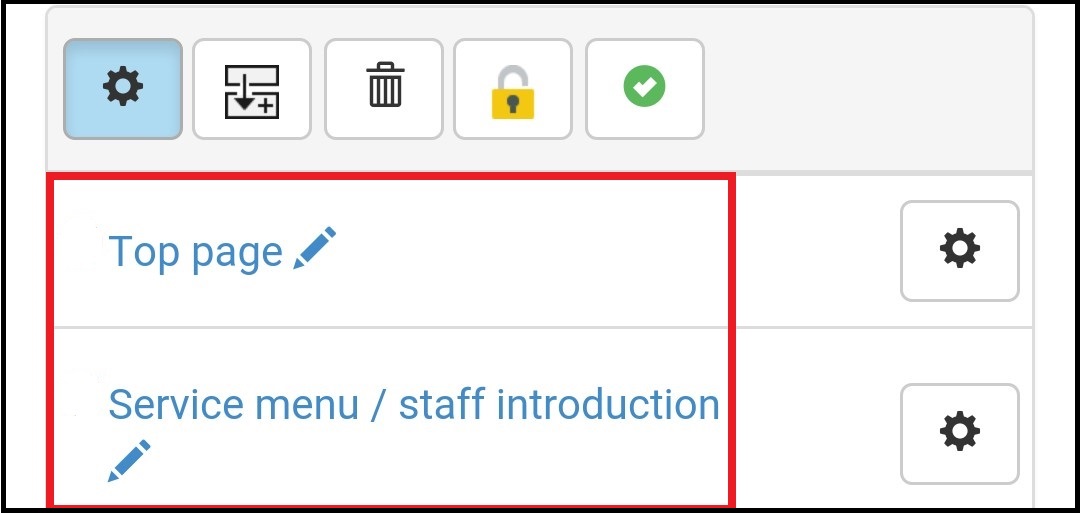
Then, when you press the duplicate part button (fourth from the right) at the top, the button that overlaps the upper right of the part changes.
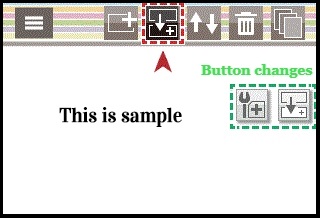
Now you can press the duplicate button, the same part will added immediately under the first part. Here you can change the contents by direct editing and adjust the placement of location by moving parts.