You can use this feature for select a new layout for your homepage.. This step will delete data from all the pages and parts you already entered.. But after the layout initialization you can rebuilt your parts in new layout..
Following steps are describe the path for layout initialization
Step 01
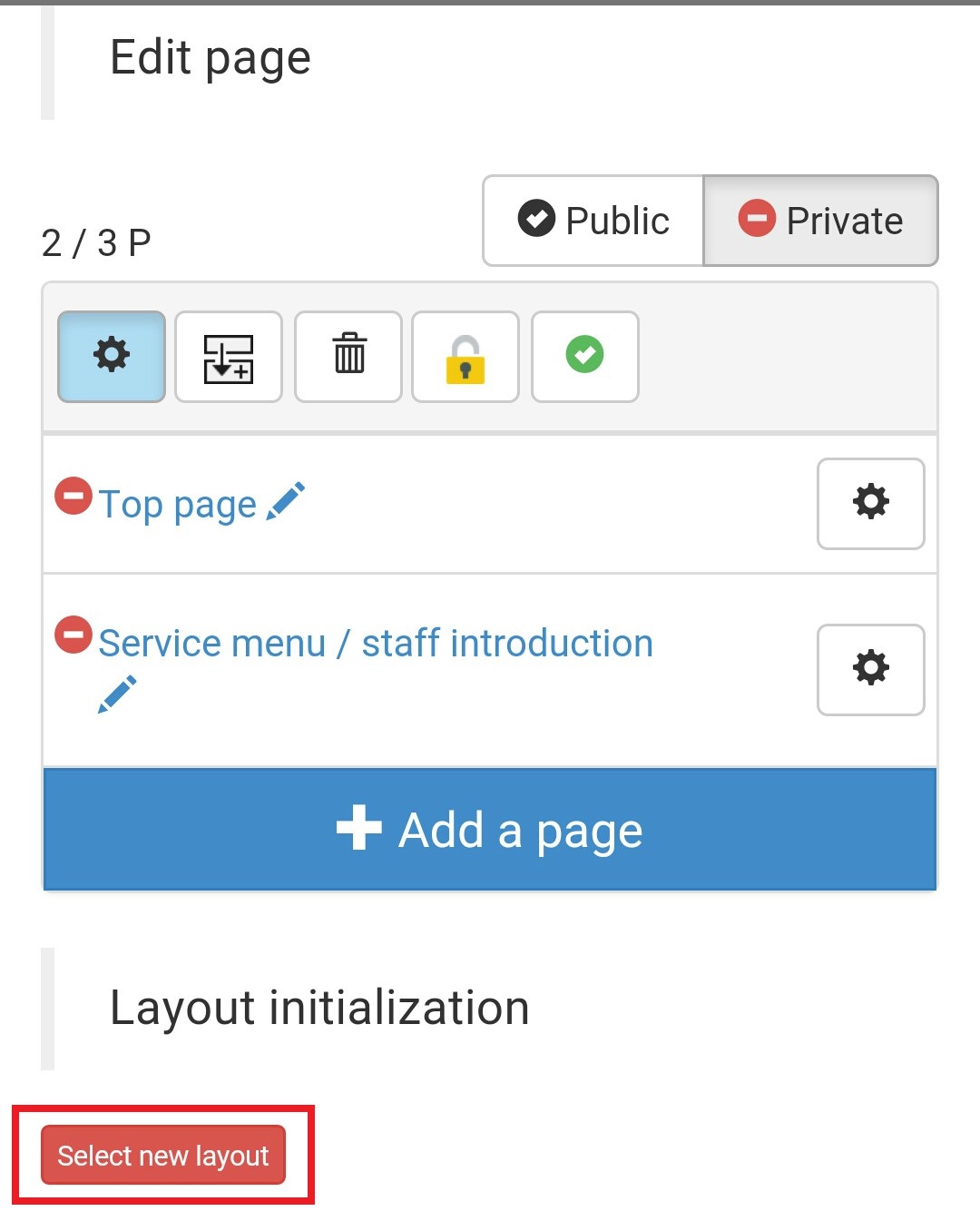
Select your layout initialization part from your page edit screen and click on the select new layout icon...
Step 02
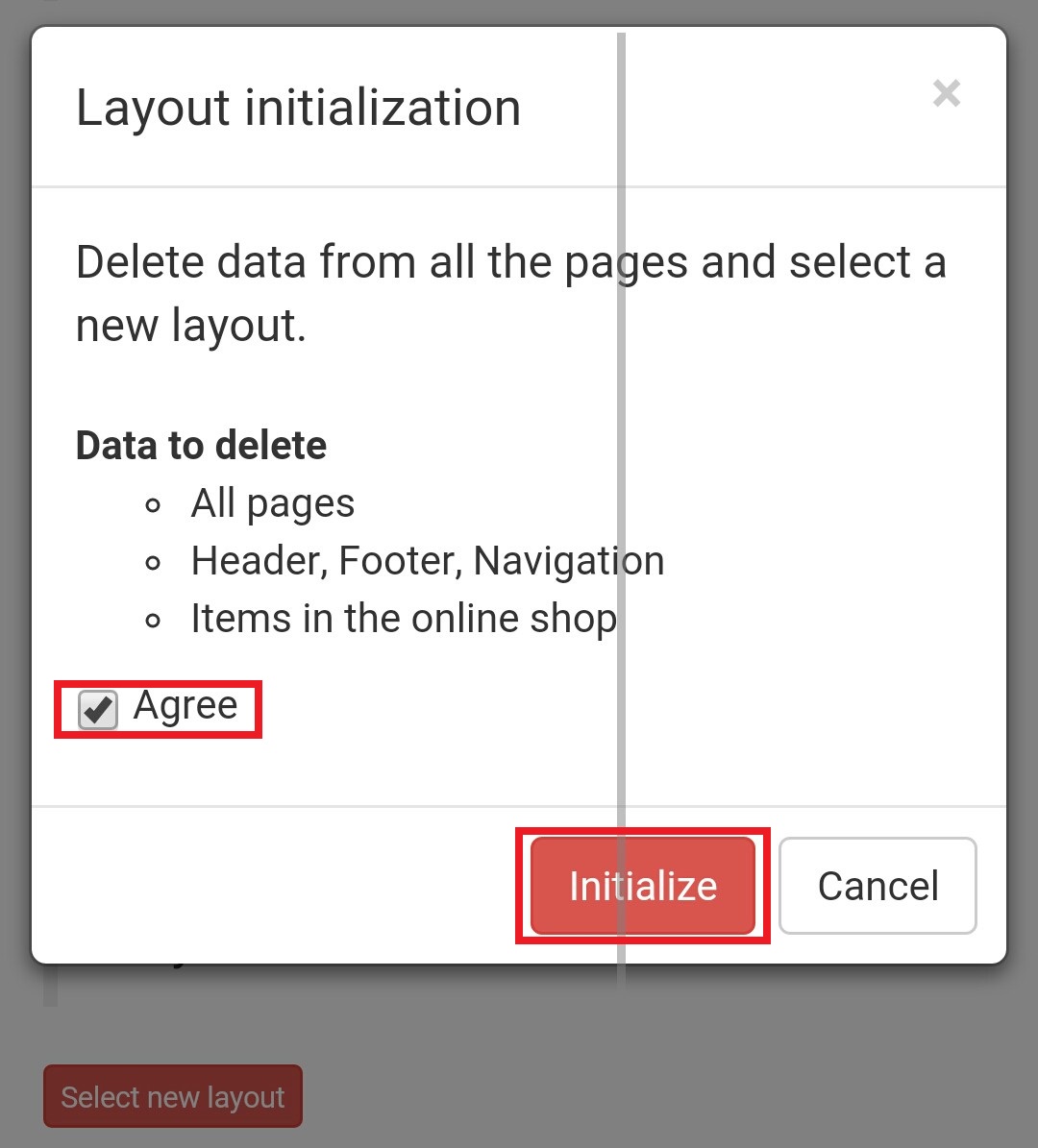
Then you will have confirmation message like this.. Put a tick in the agree box and click on the initialize icon..
Step 03
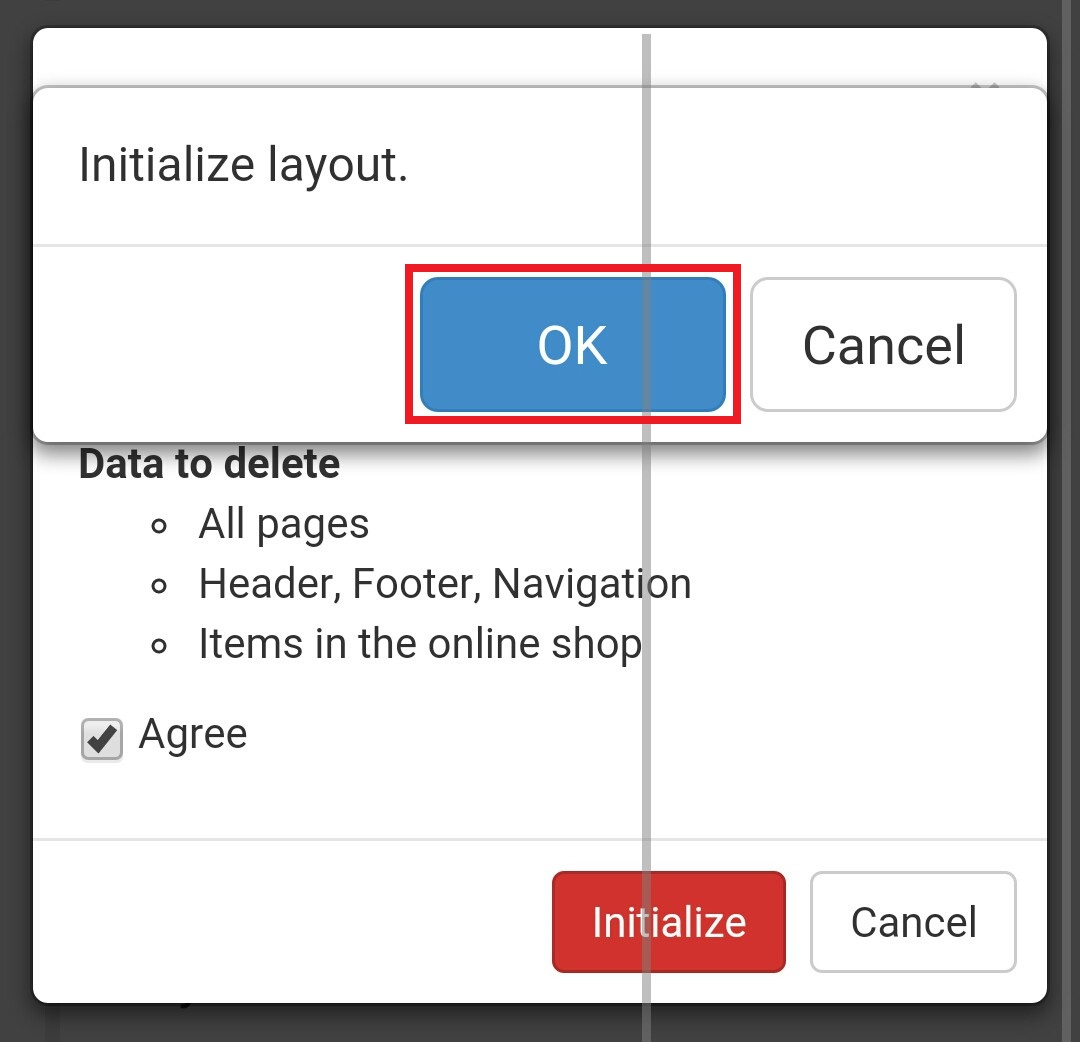
In this step also you have a confirmation message.. Click on the ok button and go to the next step..
Step 04
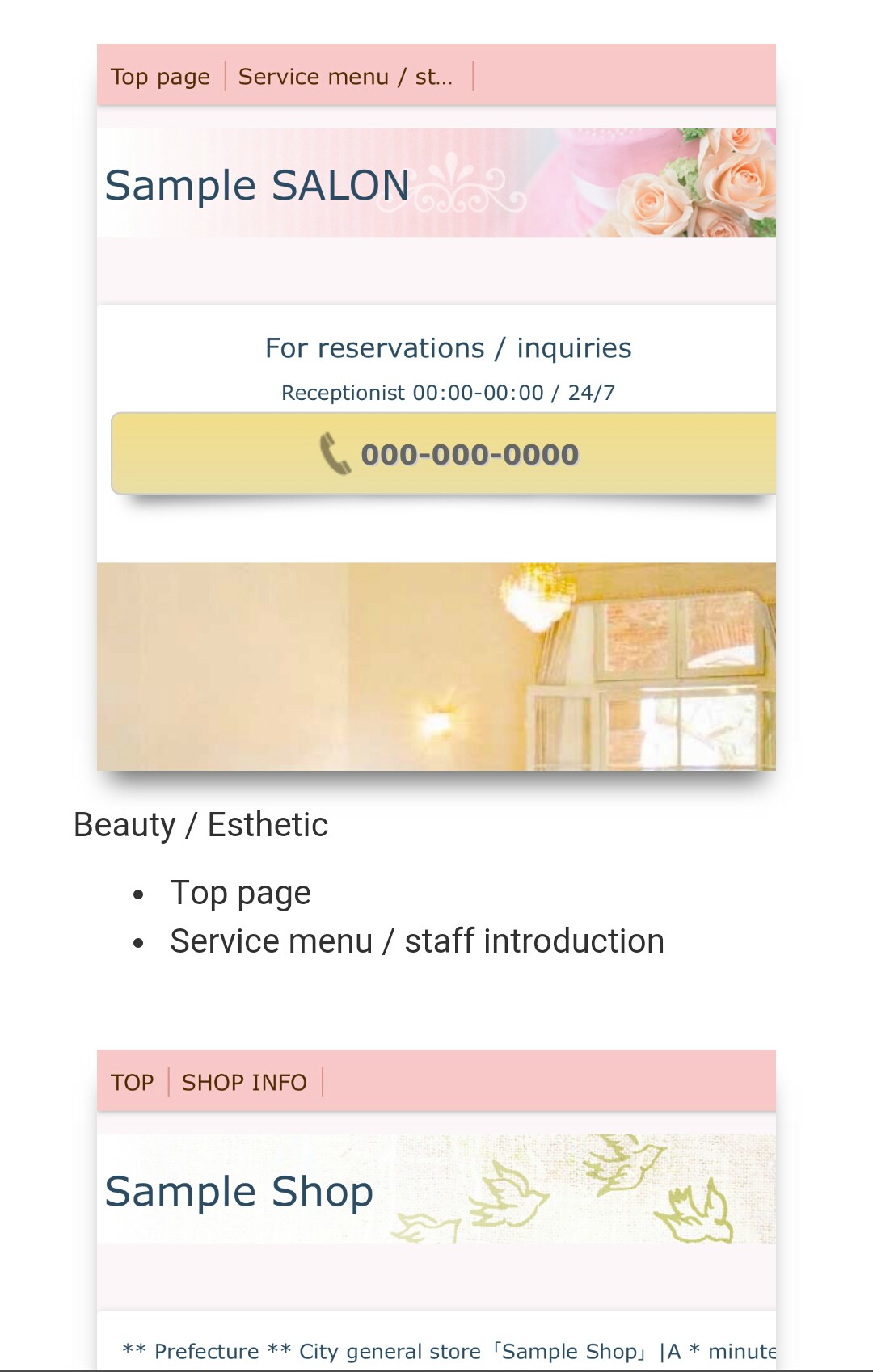
Now you can select your preferred and suitable layout from the list.. There are four layouts here.. Click on the selected layout..
Step 05
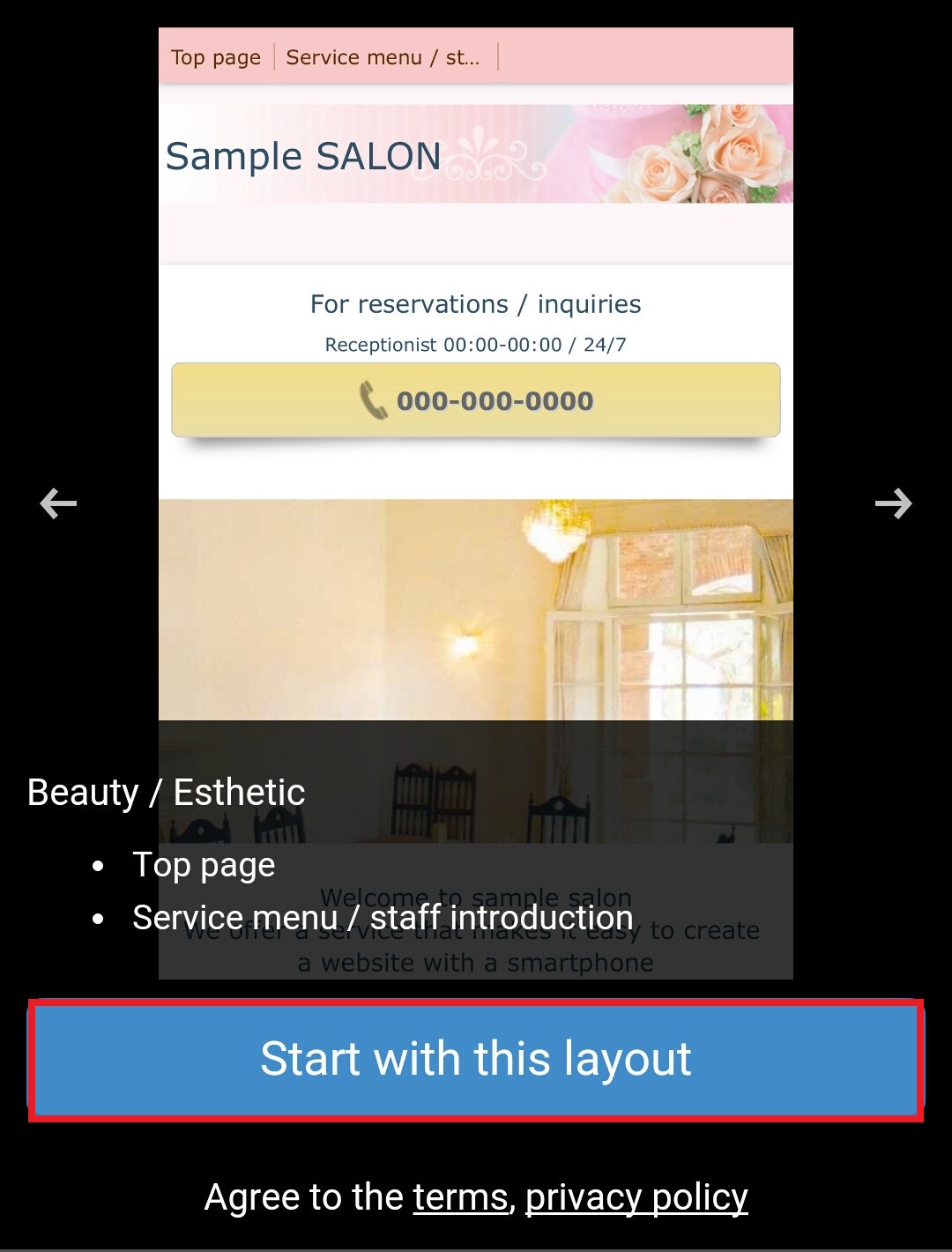
In this step you can see the selected layout.. Click on the start with this layout icon..
Step 06
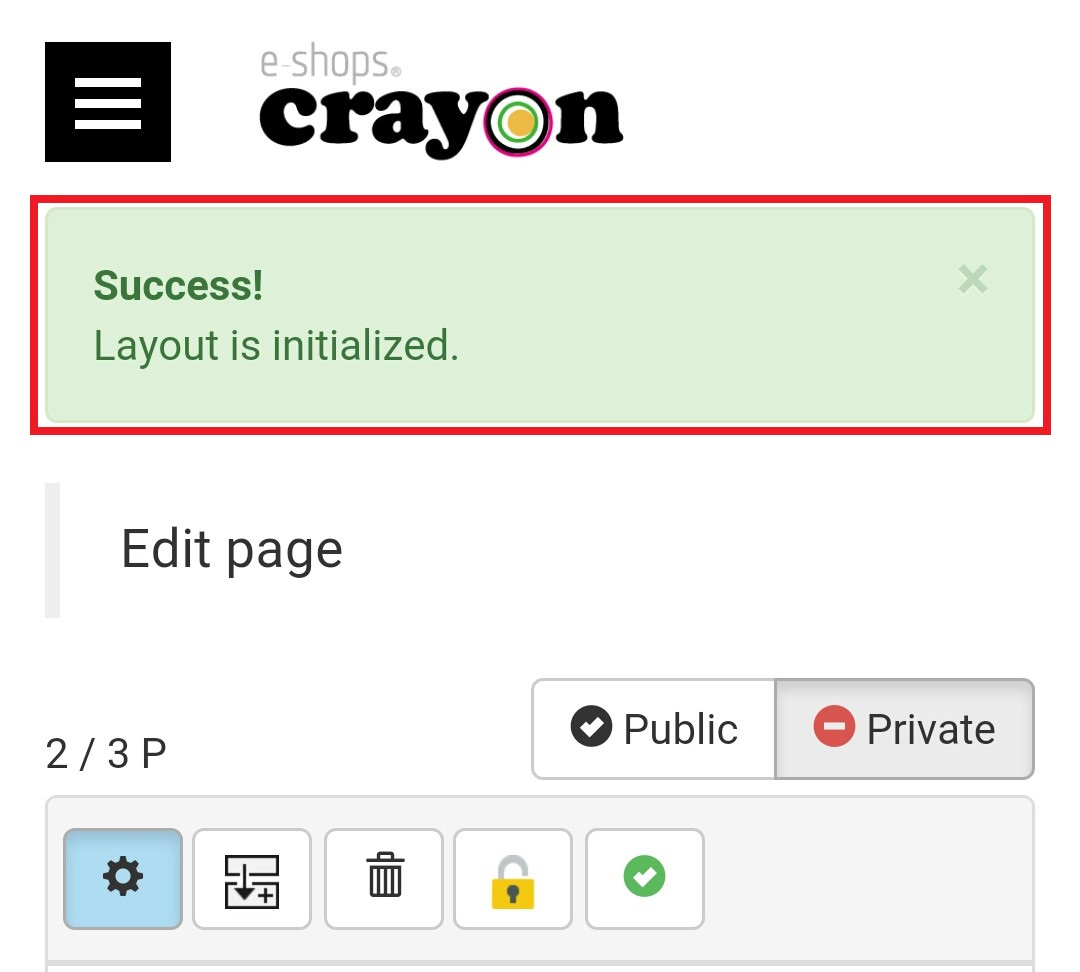
Now you have a message on screen called, "layout initialized".. From here you can set your parts and enter your data in to new layout..