Coupon part is the part that can be created discount coupon on your home page.. Using this part you can bring your products to customers in the special seasons and the occasions quit easily...
*** How to create a coupon?
Step 01
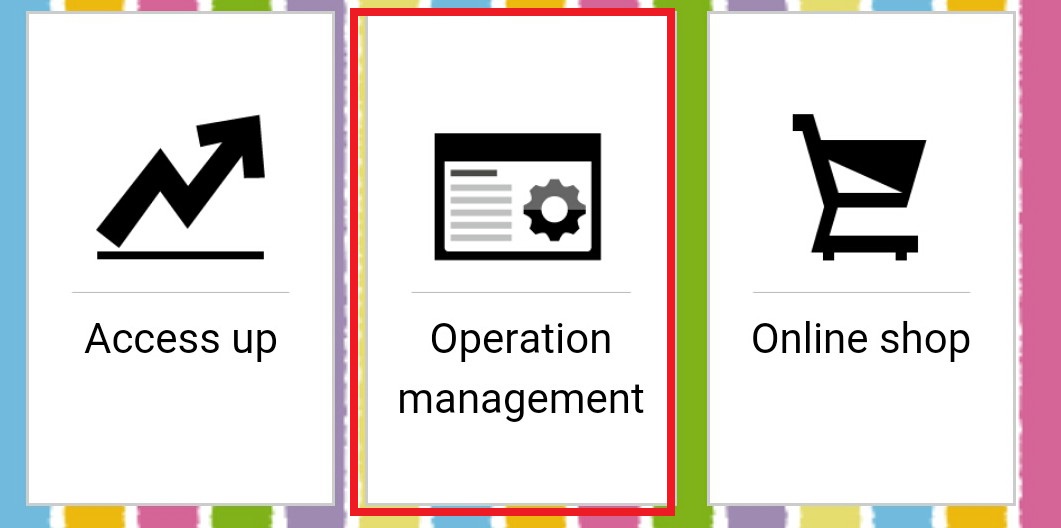
Select the operation management icon on the management screen
Step 02
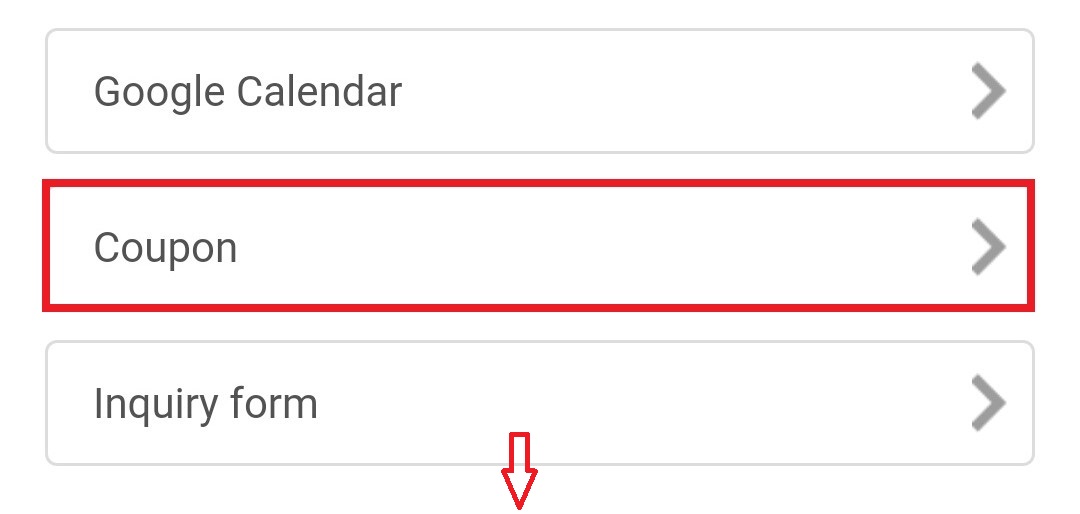
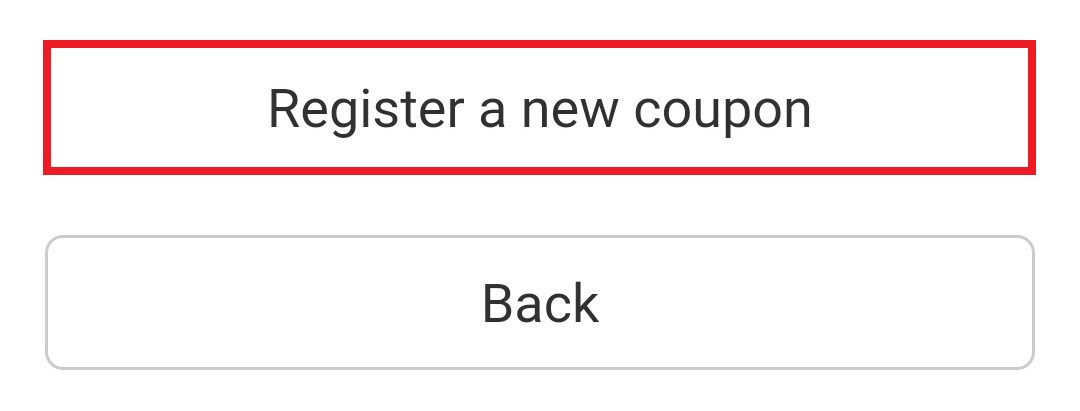
Then select the coupon icon and go on to Register a new coupon
***Coupon setting***
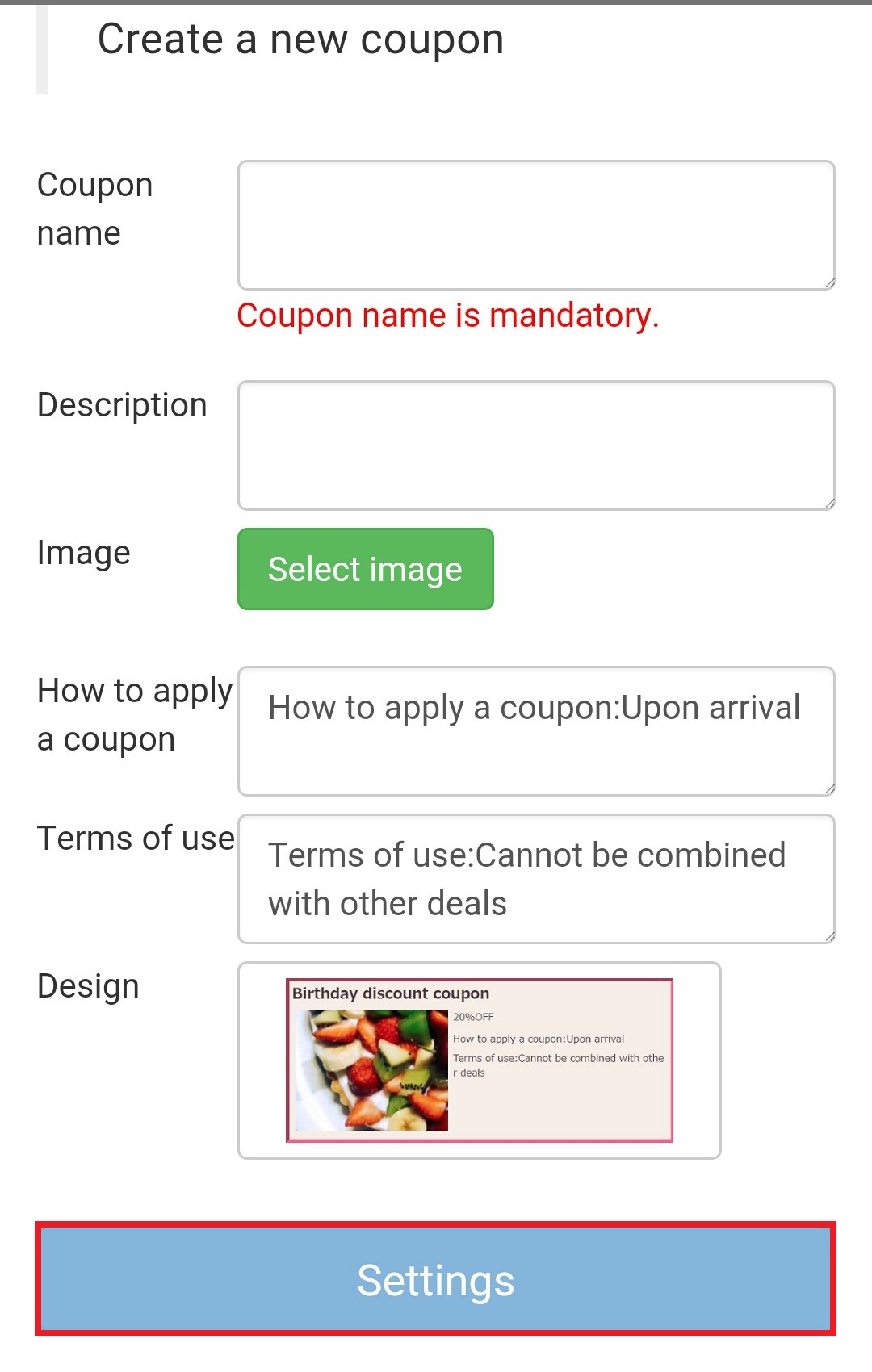
In this screen You can set your Discount description as your wish..Coupon name, description and using conditions can apply here.. You can attach your product image also.. In the description you can mention about discount percentage and details of gifts.. In the terms of use column write the rules and regulations of your campaign.. Using design column you can select a preferred design for your coupon.. Nineteen colorful designs are there...After the completing of all the settings, click on settings button in the bottom of screen...
Now you can have a screen like this.. (Design will changed according to your selection)
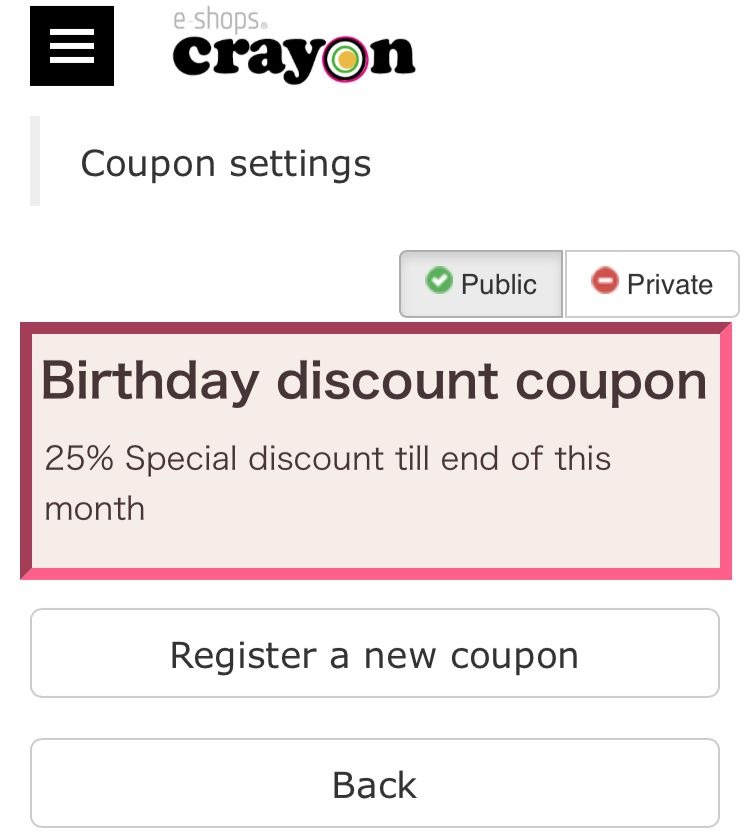
Press "Register a new coupon" button to create the coupon..
Now you can set your coupon in to home page.. Following steps are describe the path...
Step 01
Select "Edit Page" from the management screen and then select the page where you want to set up the coupon.
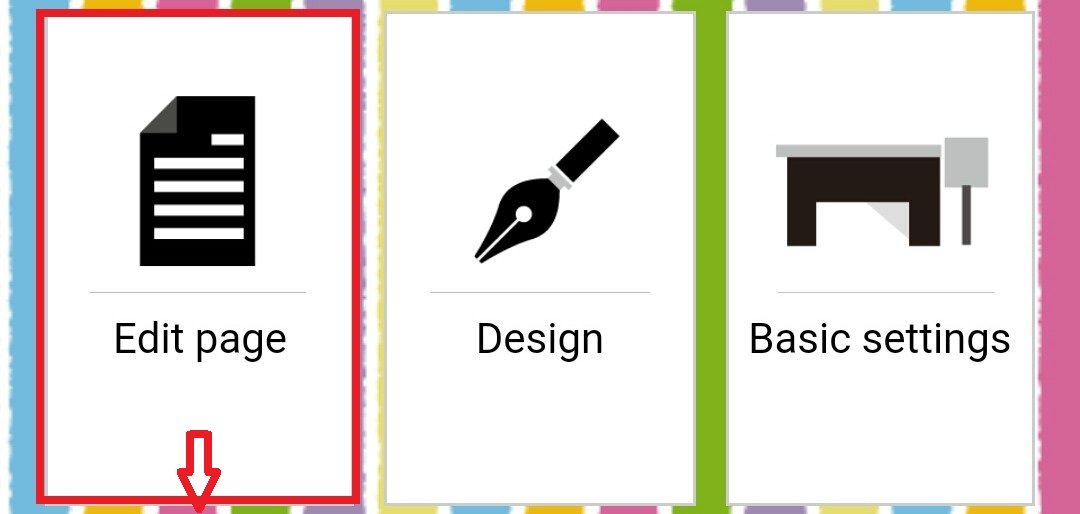
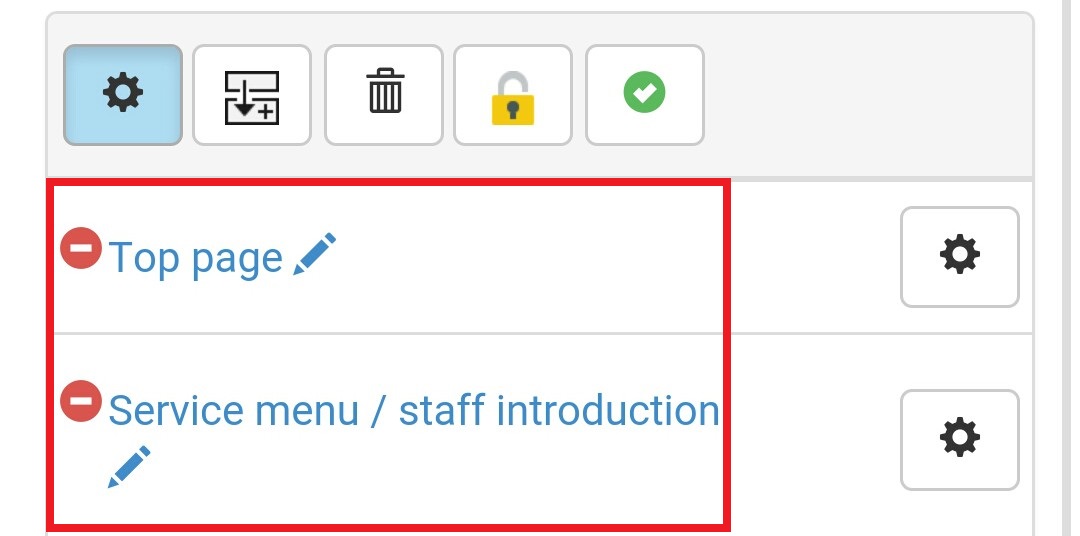
Step 02
Now press "Add" button of the top
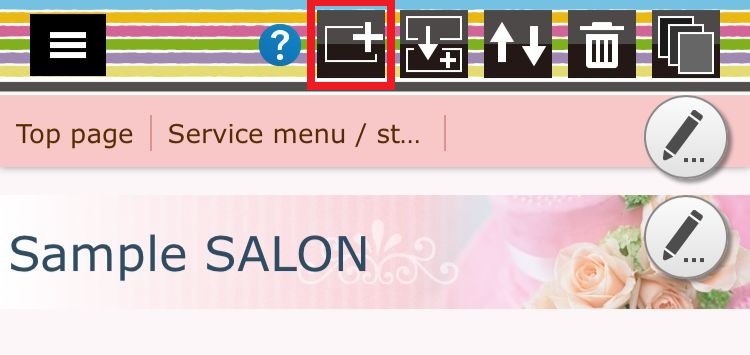
Step 03
Then select the coupon part and go to the setting screen of the coupon..
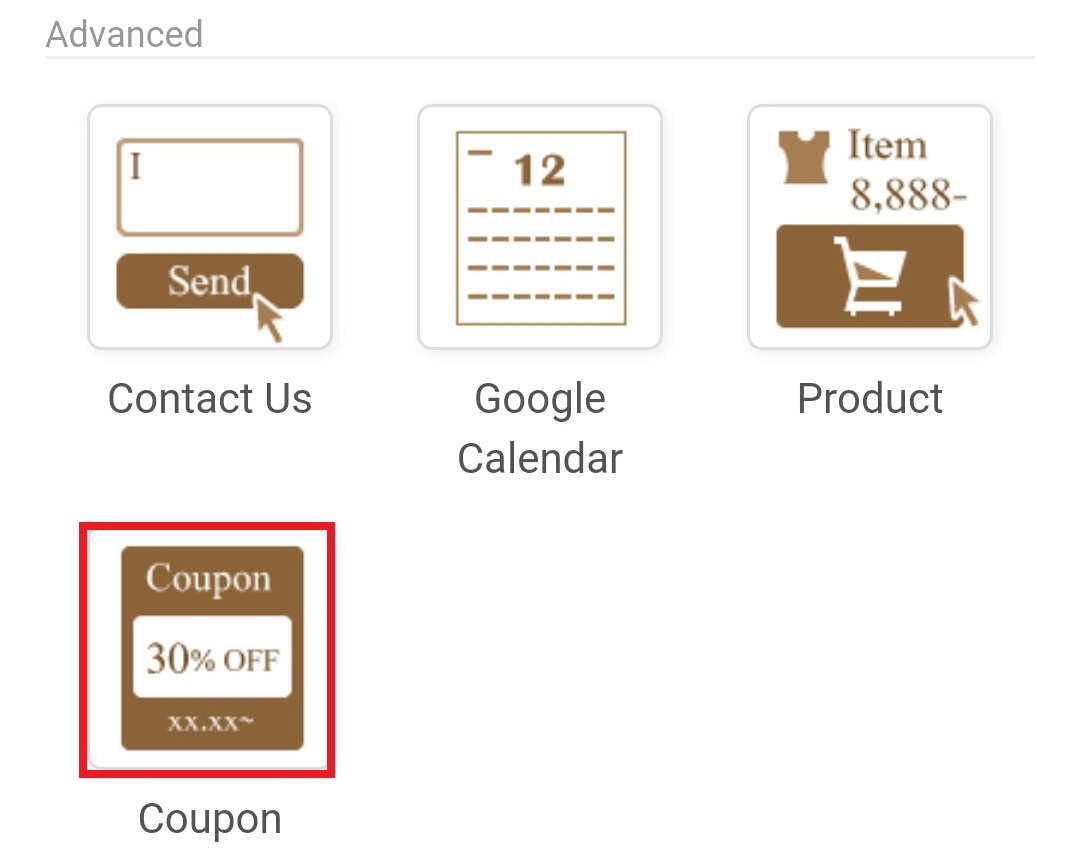
Step 04
You can set up your coupon here.. In this step you can set the margin, font size , font color, back ground color and many more things according to your preference..When all the settings are completed, press the "save" button of the top, to return to the page edit screen..
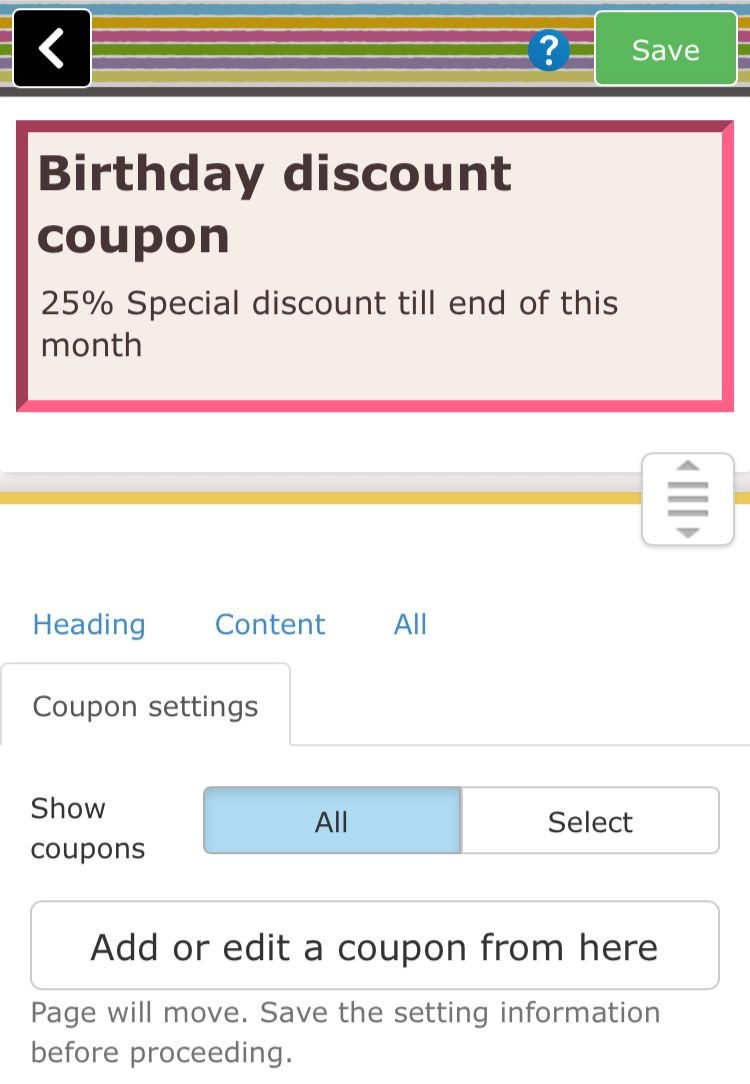
Note -: Please be careful not to press the button "Add and edit coupons" in this step. If you push that button, you will move to the coupon creation page again...
Step 05
Now you can see your coupon in your selected page like this...
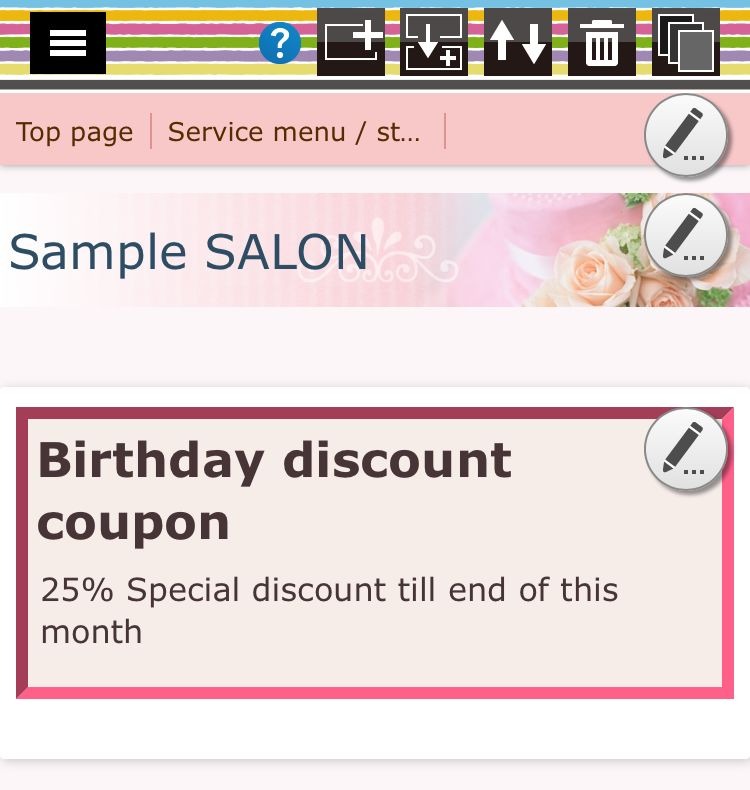
*** You can edit your coupon anytime using coupon part***
