It is the part that display Crayon's Google calendar in the home page.. It is easy for business to stay connected anytime and anywhere... Once setup, you can access the calendar, schedule meetings and share with customers they choose..
** How to use the Crayon's Google calendar part?
Step 01
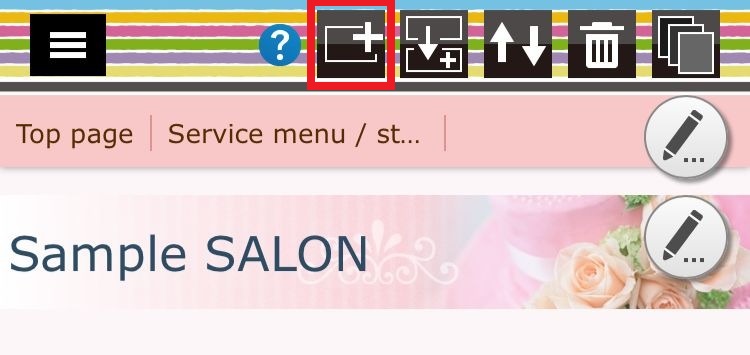
Press the "part addition" button and move to the parts selection screen..
Step 02
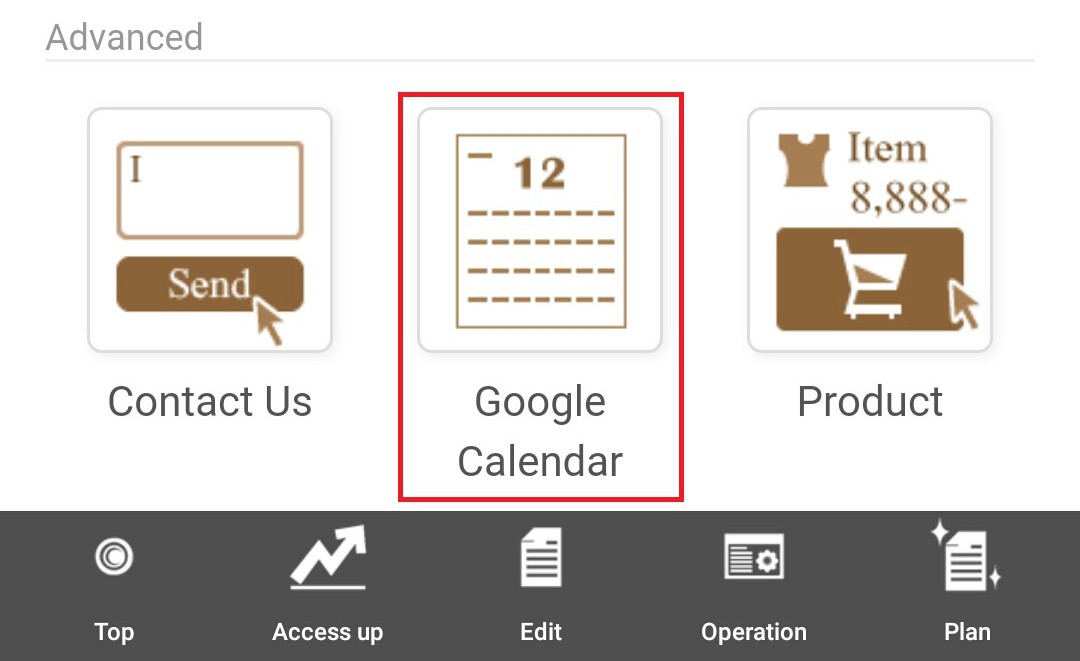
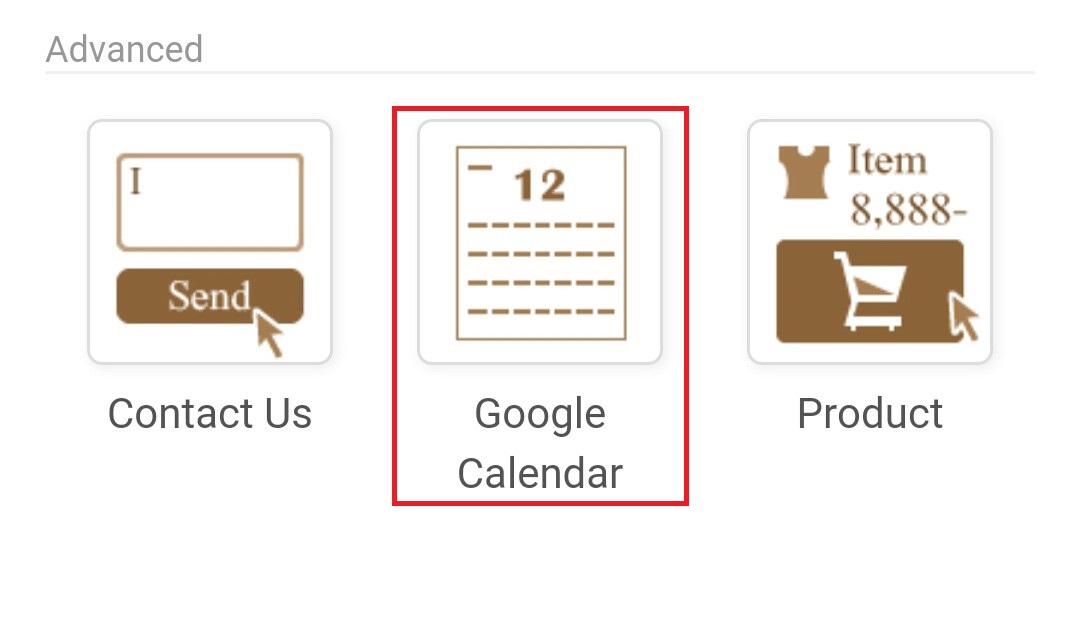
Select the "Google calendar" part in the selection screen...
Step 03
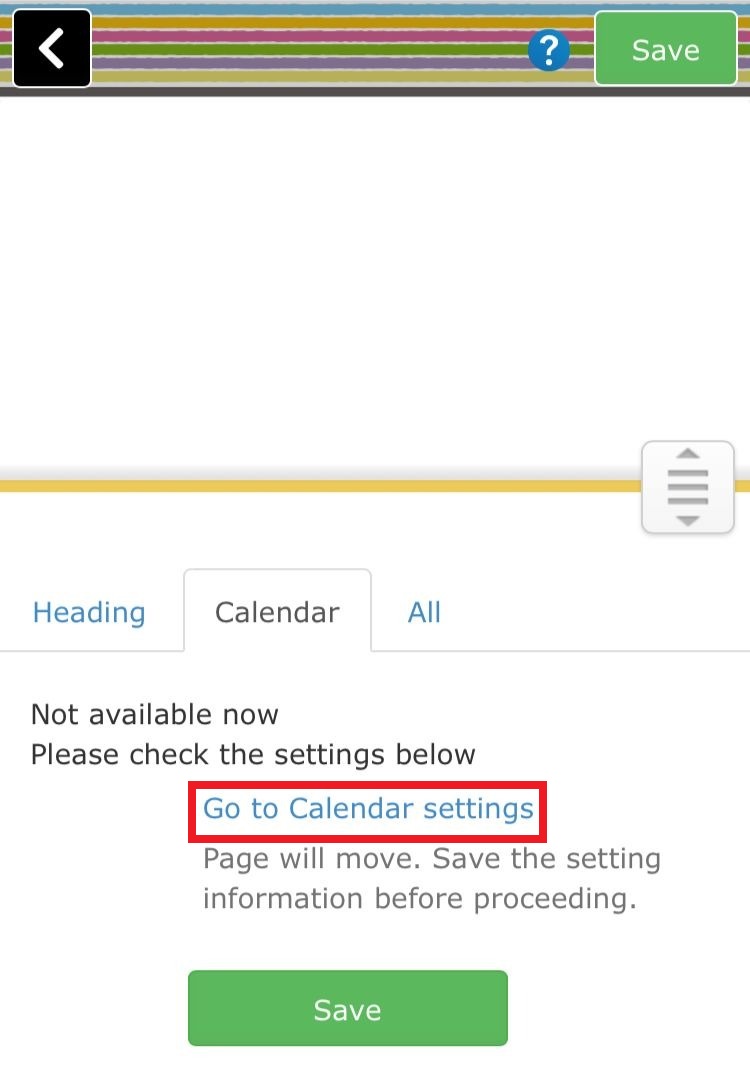
Here you can see the setting screen of calendar.. Select the "Go to calendar settings"
Step 04
In this screen you have to log in to your Google account..
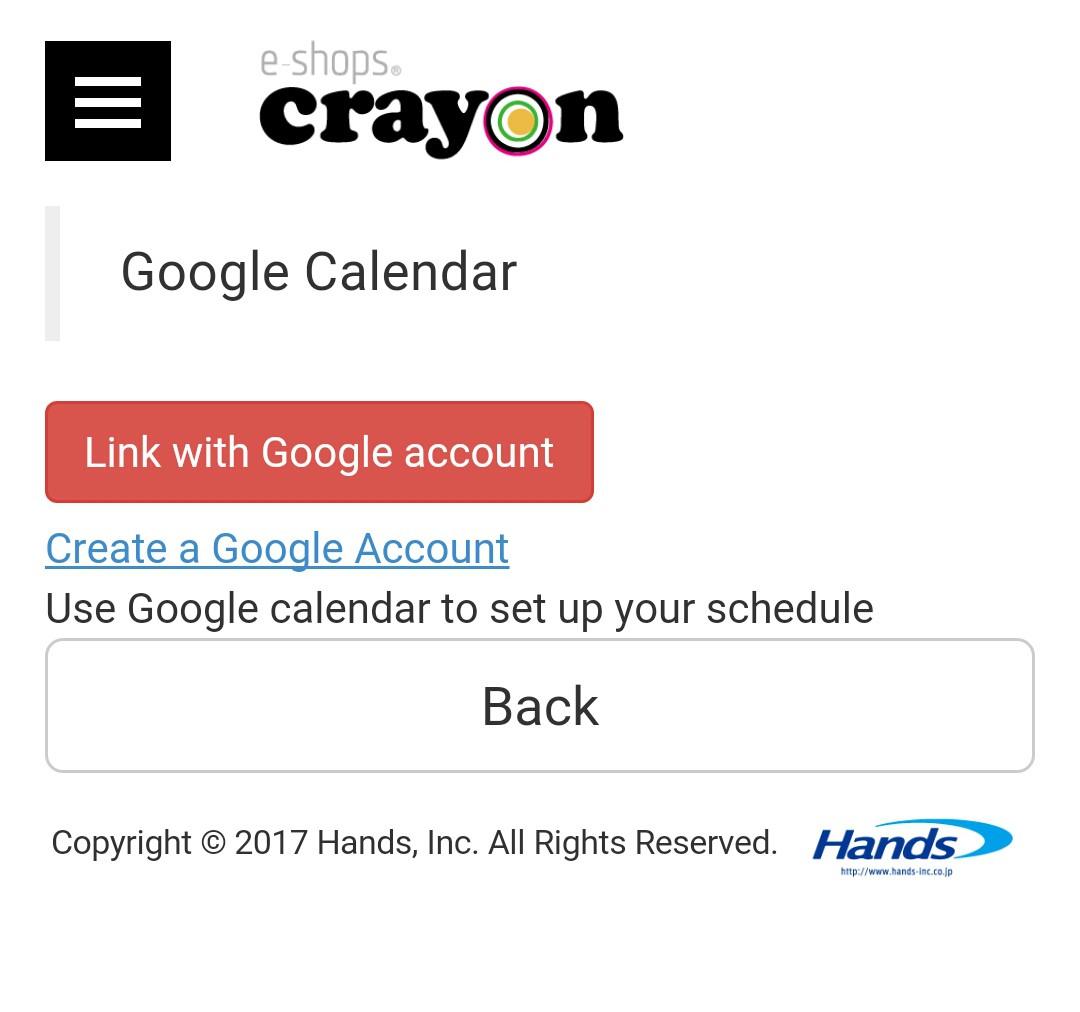
Step 05
If you logging successfully you will seen massage with green tick like this
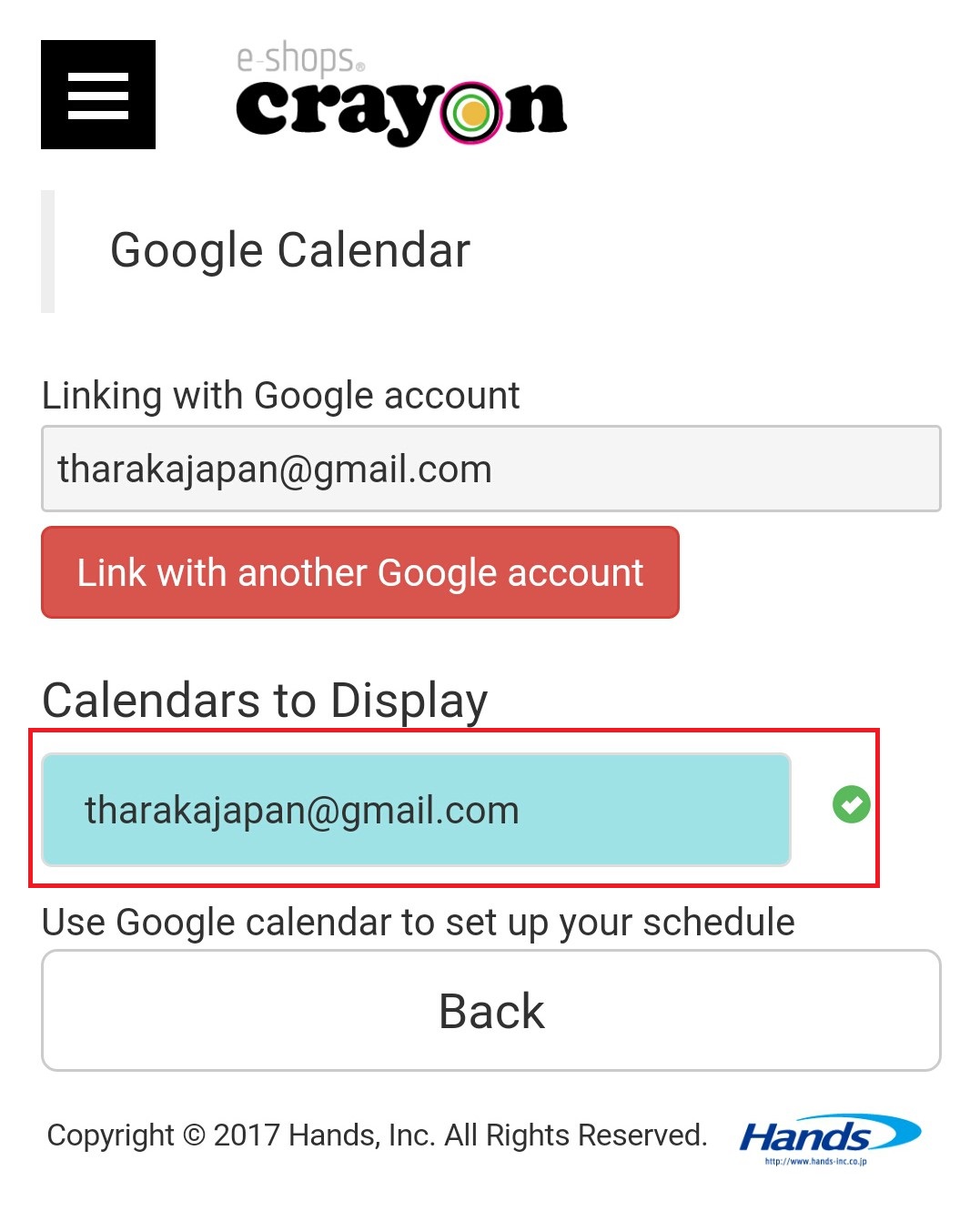
Step 06
After the setting of Google account back to your Google calendar part again.. Then you will display Crayons Google calendar like this..

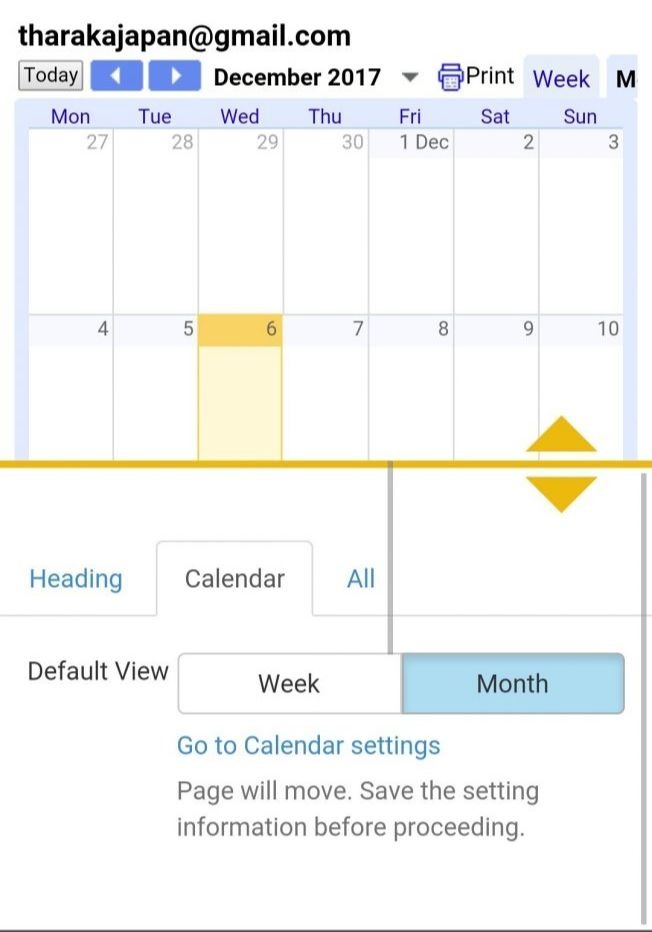
Pressing the right side mark button of top of the calendar will change to the next month and pressing the left side will return you to the original.. Also as the month changes, the calendar on the website will automatically change to the next month...You can set the background pattern and font color by setting the entire calendar. Also, you can create various designs by matching the background color and character color of the event to the overall design..Just by changing the background color and text color of the calendar, the appearance of the homepage will change drastically.Please try to looking for color combinations that match the theme of the homepage....
*** How to set calendar on to home page***
1) Select "Edit Page" from the top
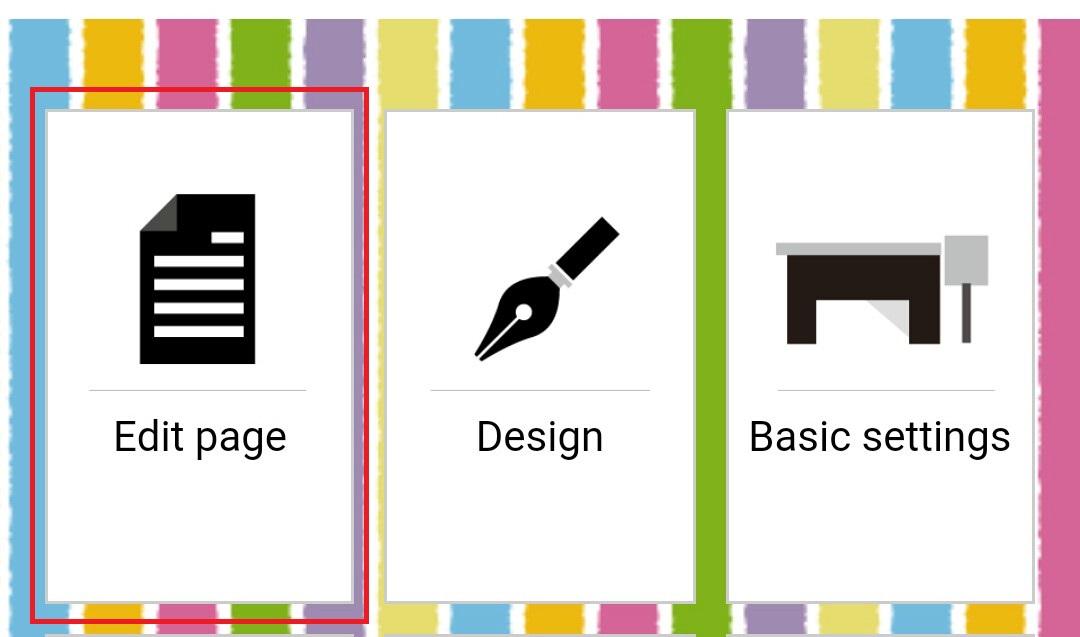
2) Select the page which you want to attach the calendar
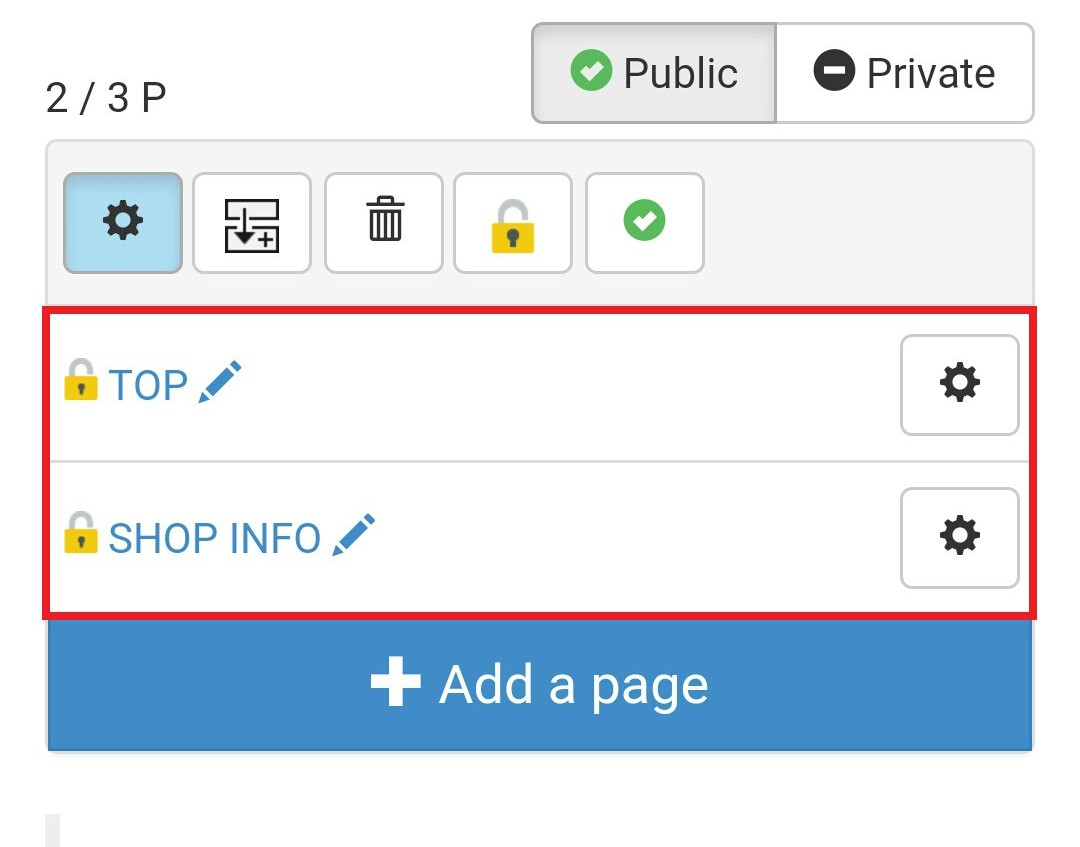
3) Press the "Add Part" button at the top to open the parts list.
4) Select the "Calendar" part on the lower side & Go to the setting screen
5) After all the settings of calendar push the save button of upper right side
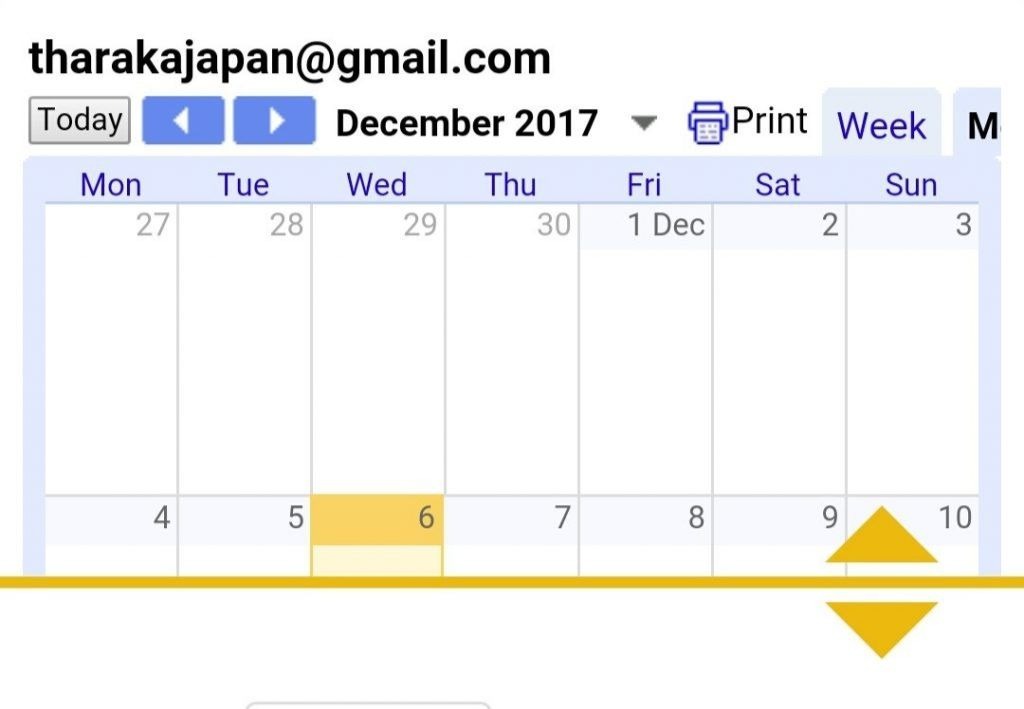
Your calendar settings are now complete.. Now you can back to your home page which the calendar is already setup... It will seen like below...
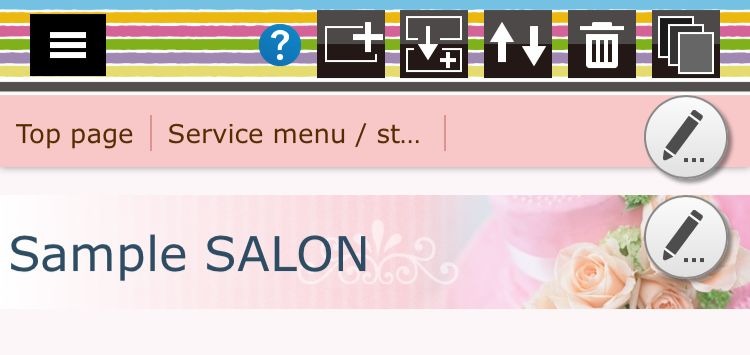
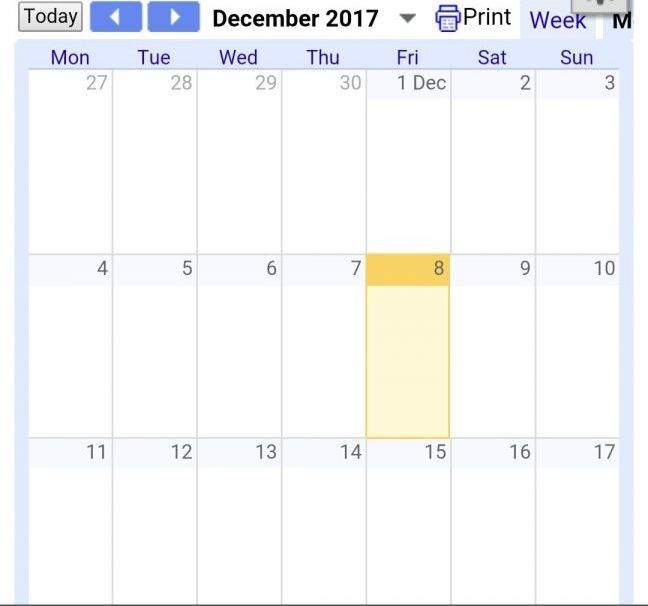
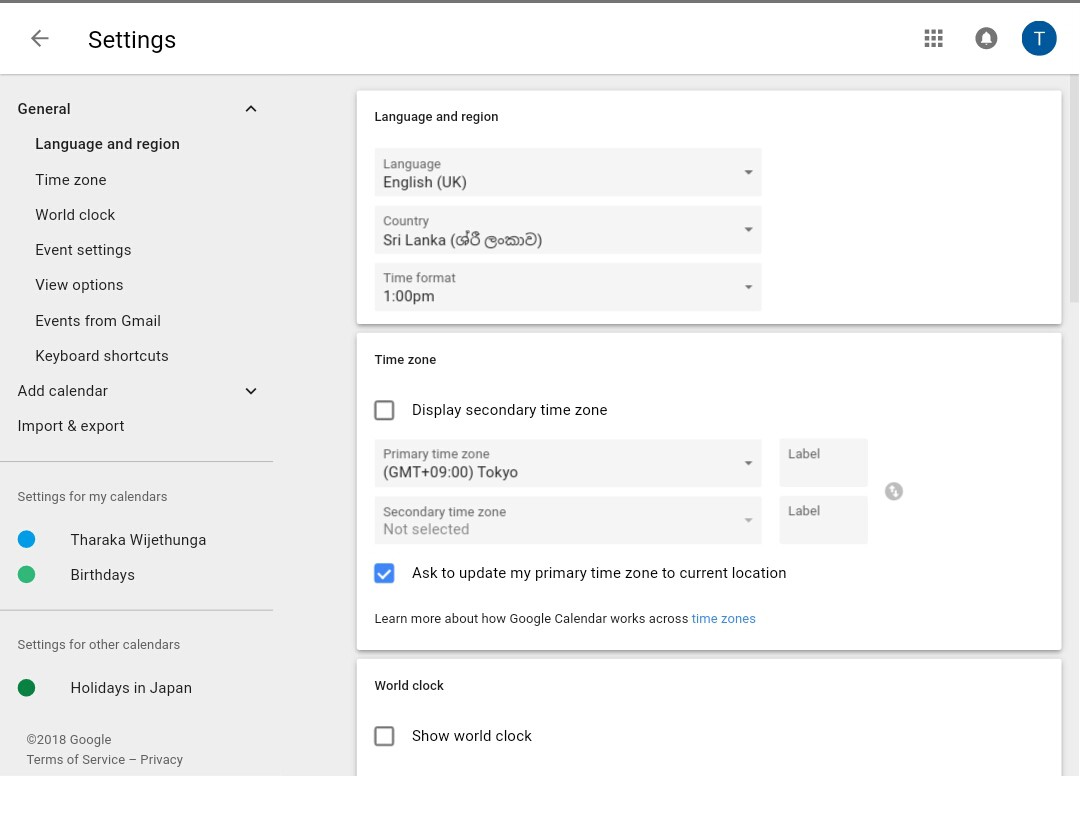
After the completing of these settings you have to set the Google calendar's sharing settings .. There you can make changes of applicable parts of your calendar.. In this part Google calendar allows you to schedule appointments or events with a simple click and drag interface.. Following steps are describe the path..
Step 01
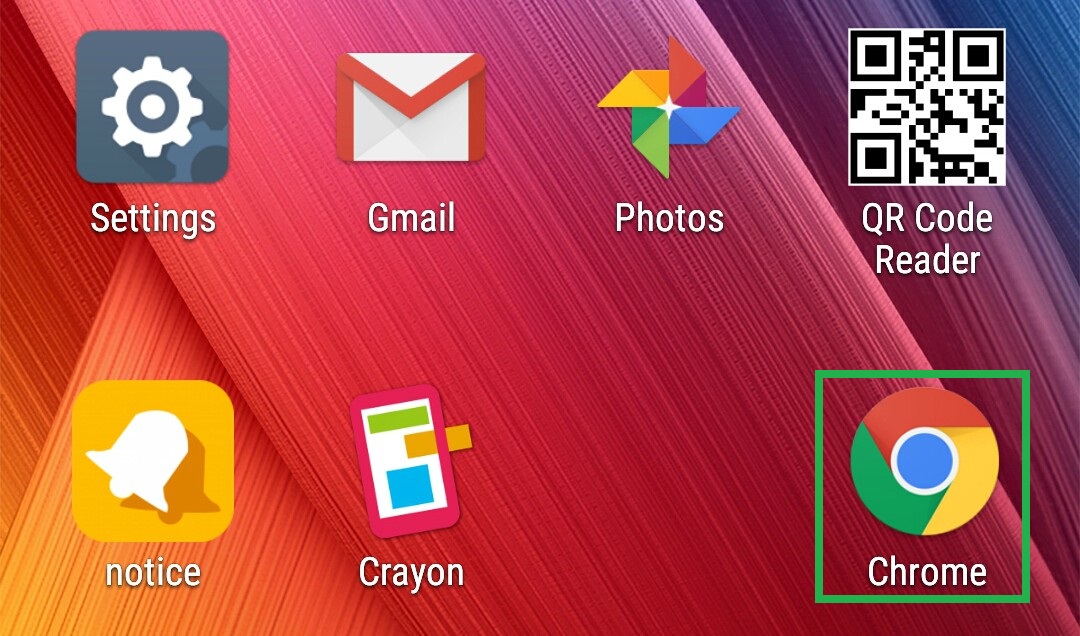
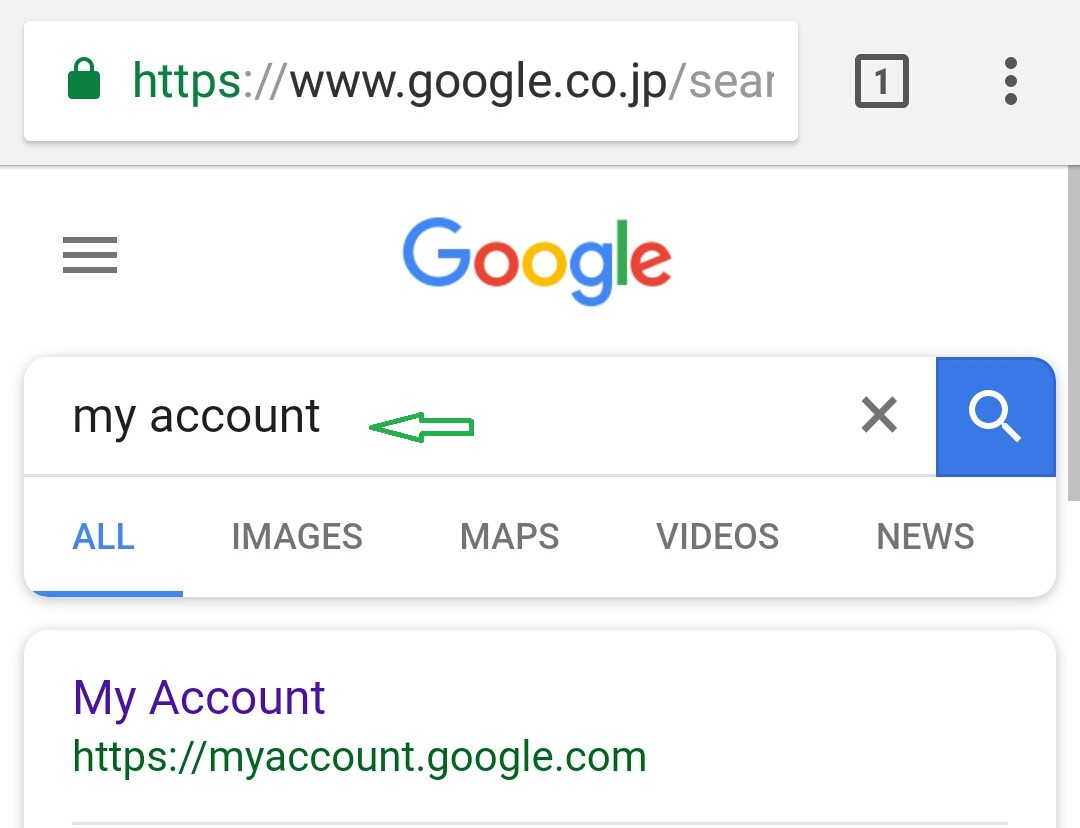
First select the "Chrome" browser of your pc.. Then type as "My account" in the search type box..
Step 02
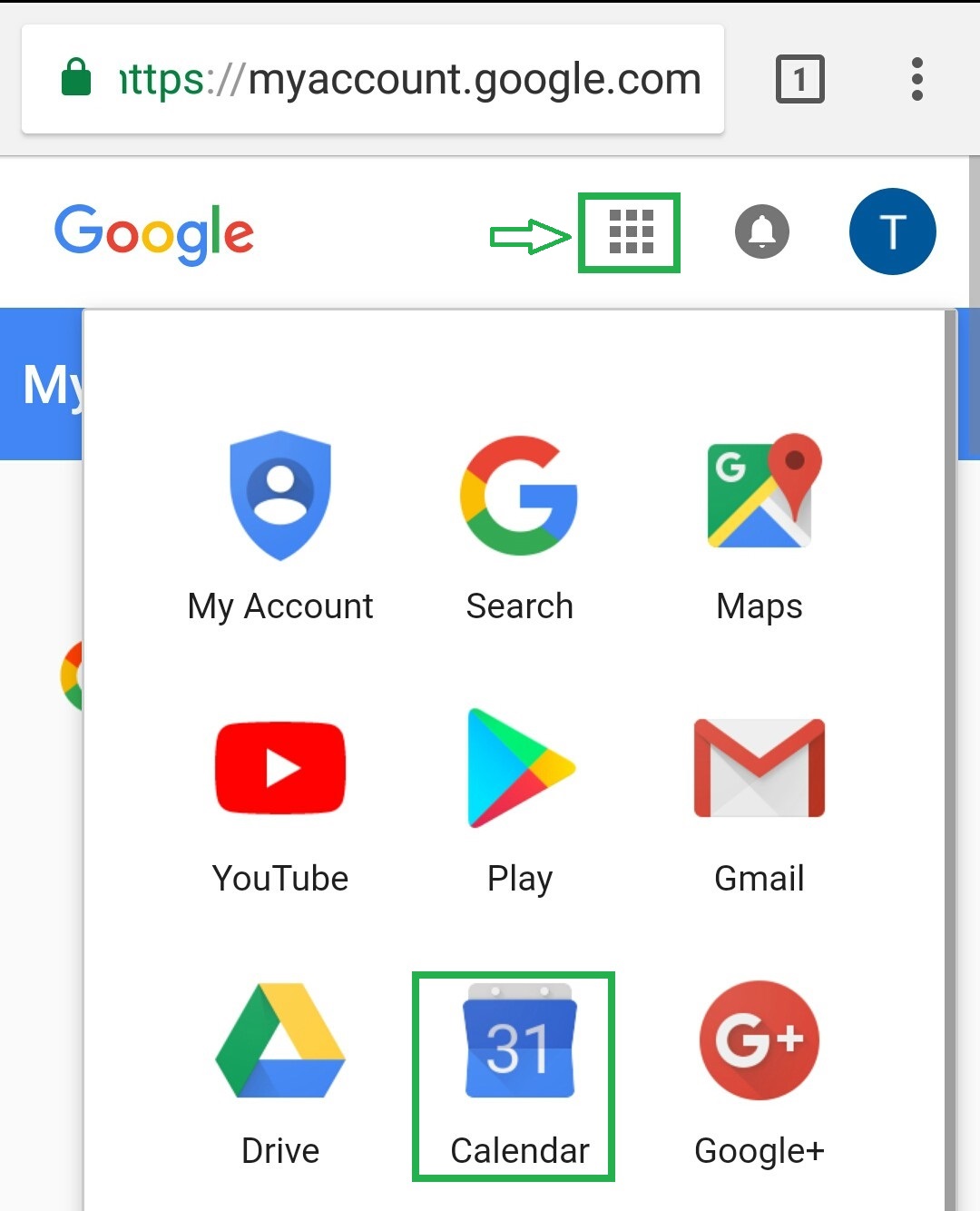
Then click on the Google apps mark on the top and select the "Calendar" icon..
Step 03
Then click on the settings mark of the top..
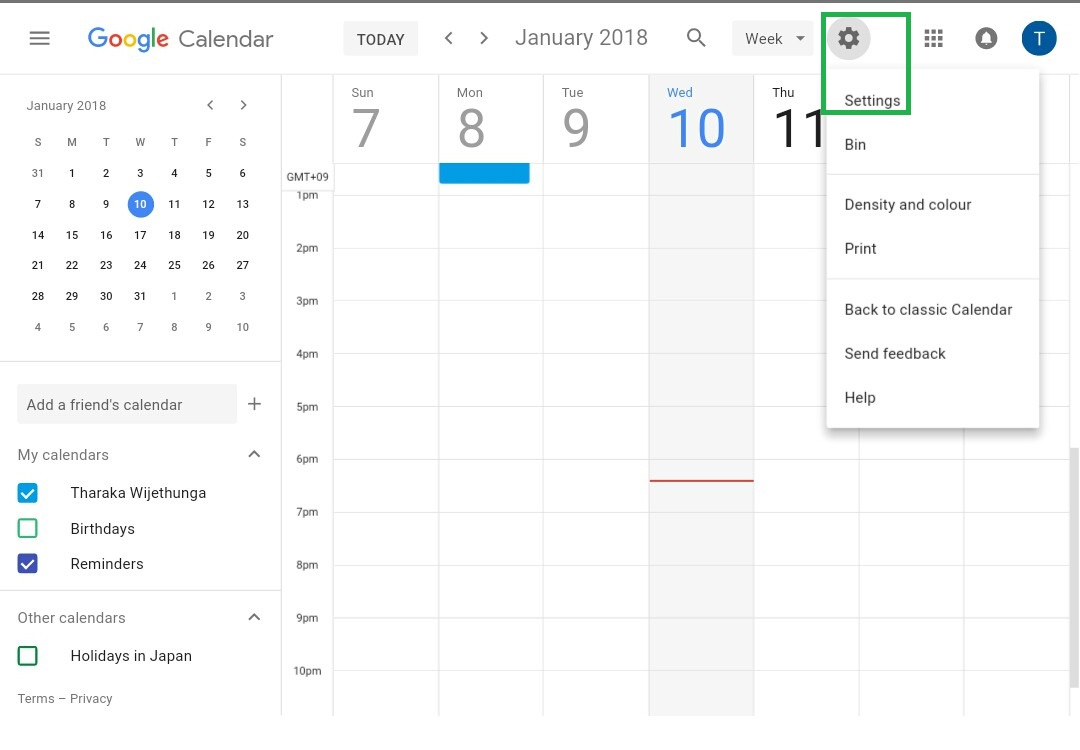
Step 04
Here you can change the applicable parts of your calendar..