**Creating a text link**
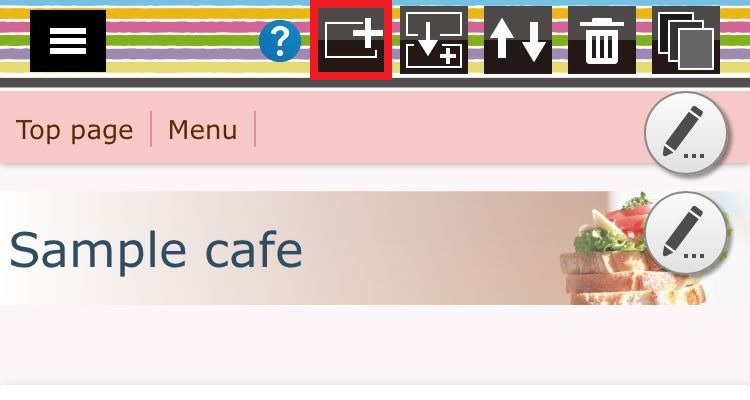
Step 01 - In the page edit screen, press the part addition button..("+" mark of the head)
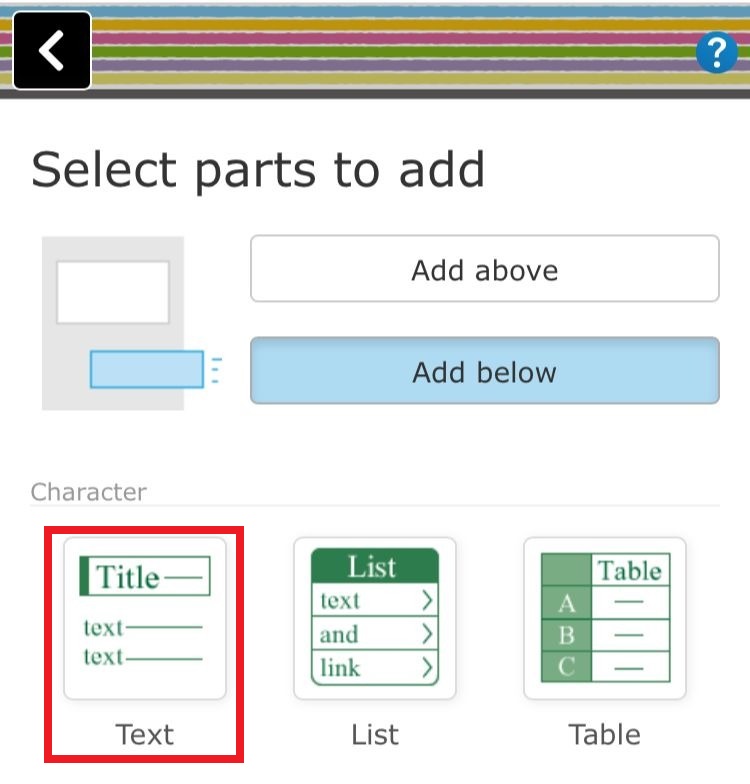
Step 02 - Select the text part..
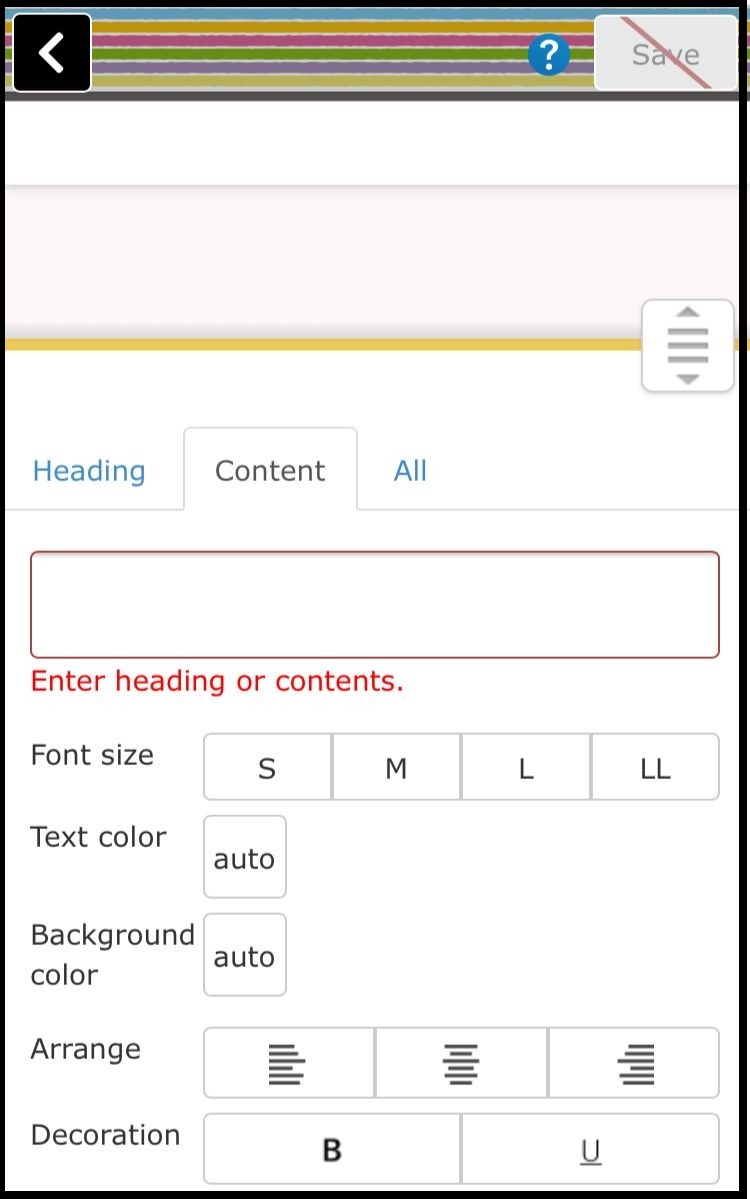
Step 03 - Enter characters to become links and decorate the text..
Step 04 - Click on the "All" icon and set the link...
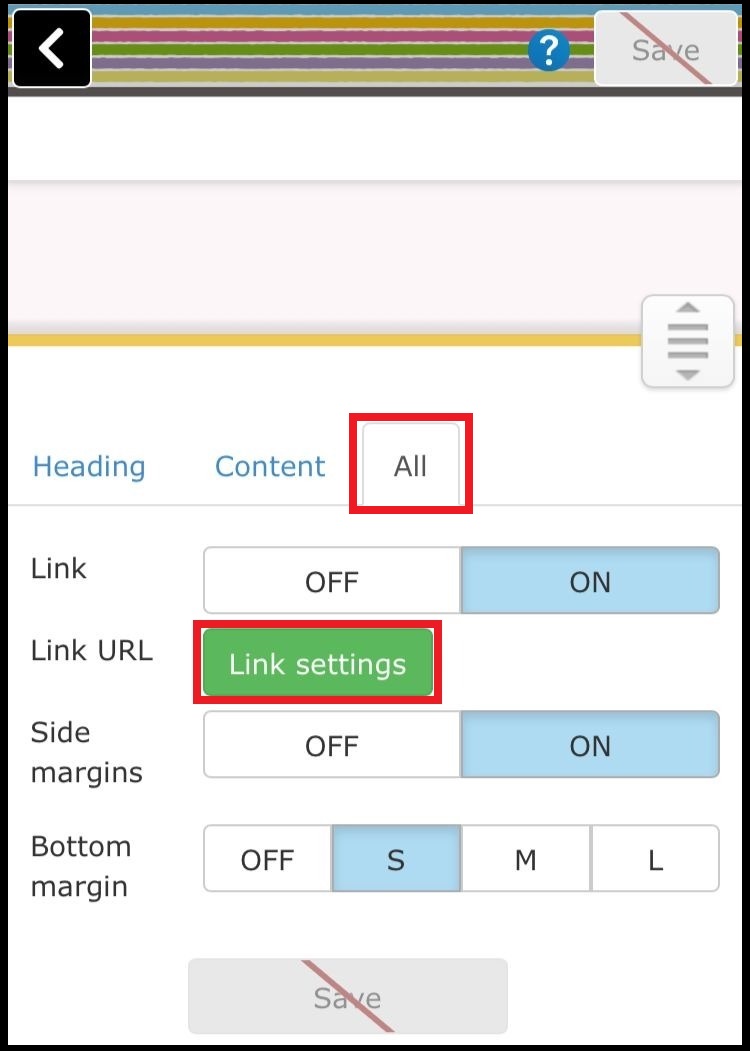
Step 05
When "link setting" is pushed, a small window is displayed, you can select a link in the homepage or a link to the external site and set it..
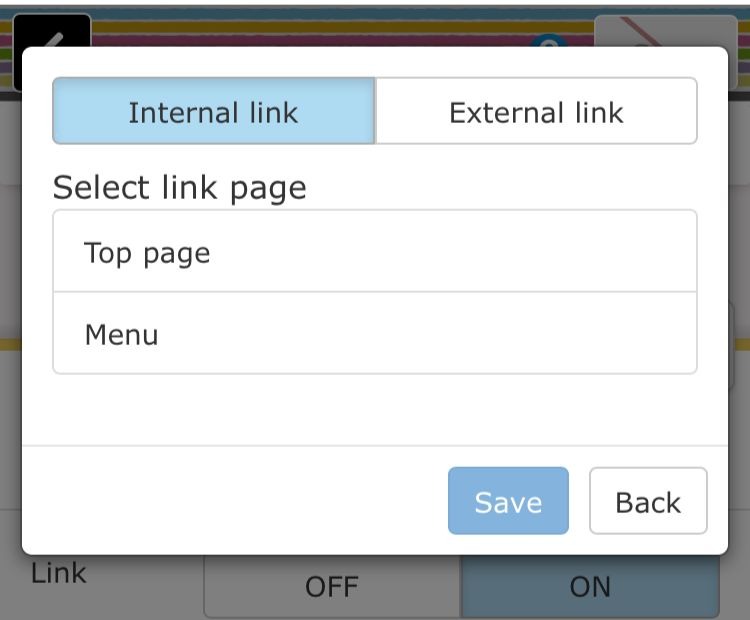
Step 06 - Press save button to complete..
**Creating a link button**
Step 01 - Press the part addition button on the page edit screen..
Step 02 - Select the list part..
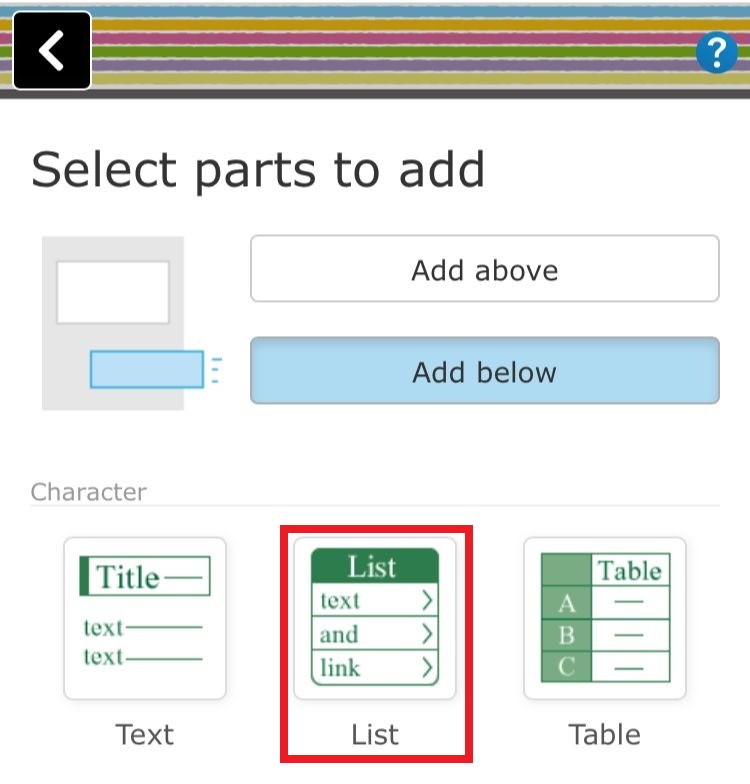
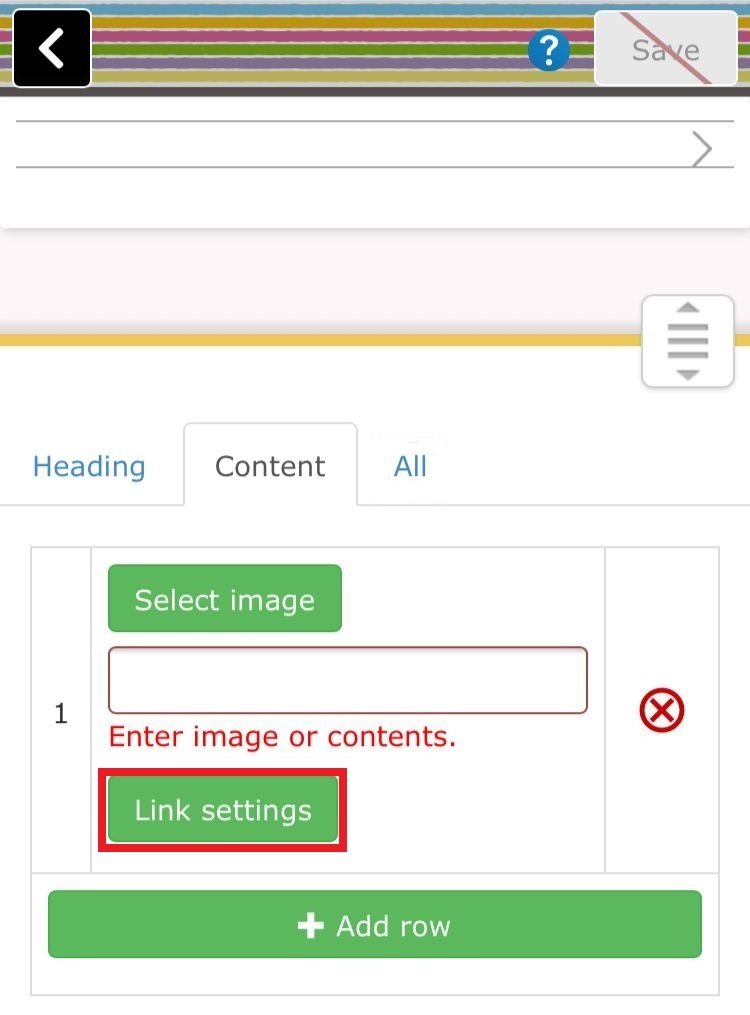
step 03 - Enter a character and set up a link...
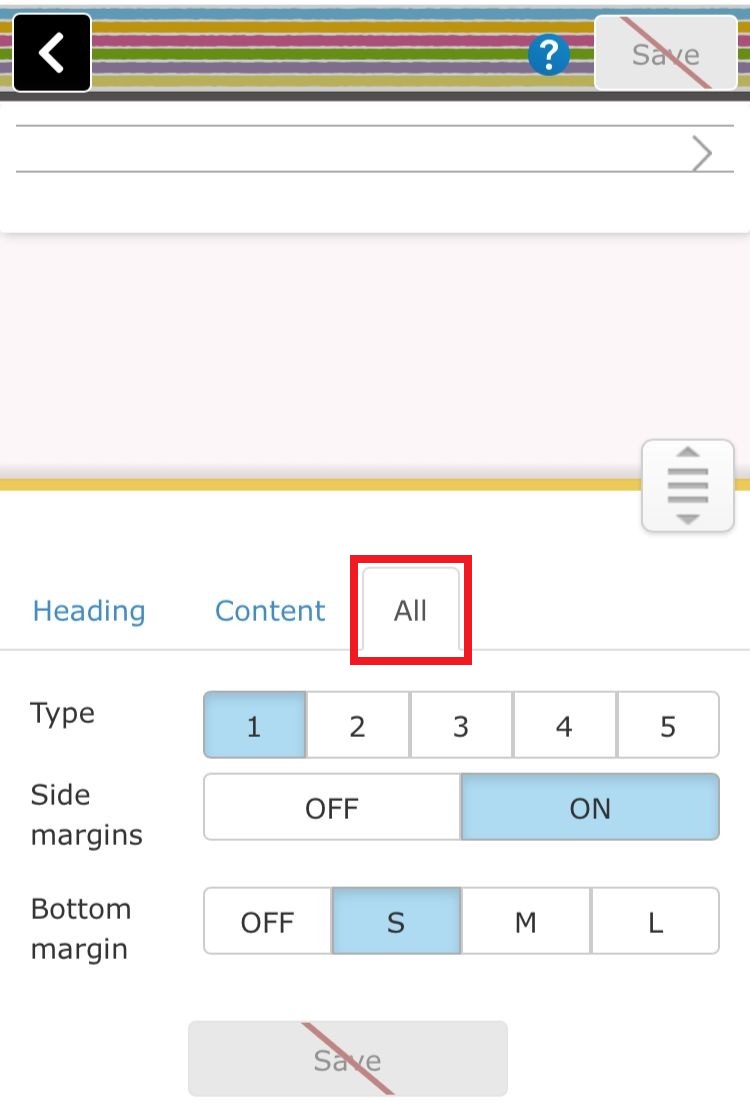
Step 04 - Select the All tab and change the design..
Step 05 - Press save button to complete..
