First select "Edit Page" from the top of the crayon administration screen.. Then you can get a following window...
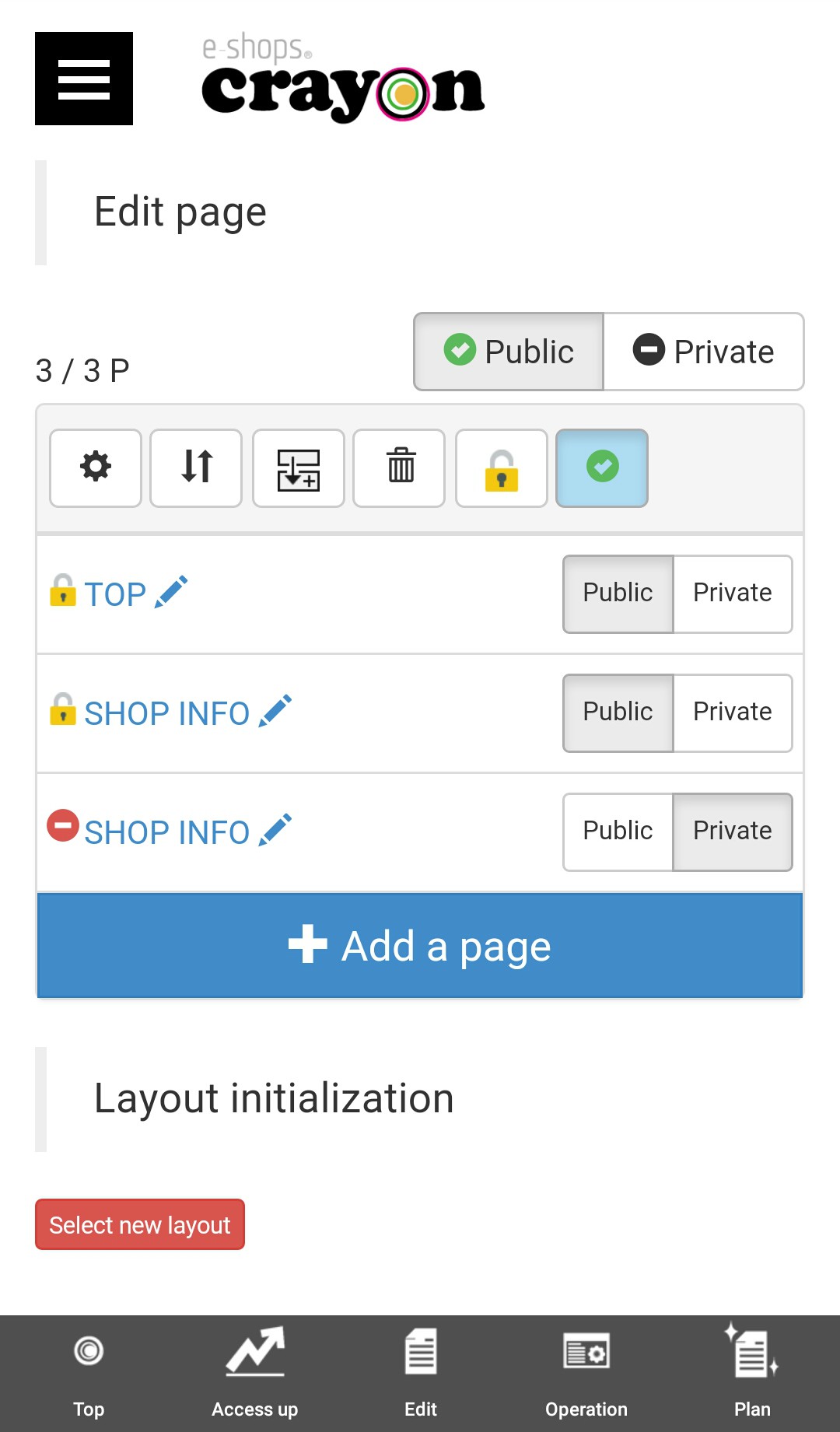
Click on the red circle button of the head.. If you press "Private", that page will not be viewable in the Internet... (Even if you type in the URL directly, an error will be displayed.)
** "Private mark" will displayed with horizontal bar in a red circle on the bottom of the page..
