Share library is ' share images, share icons that are available on the e-shops crayon (crayon) site'..There are number of registered images in the image library.. so you can use it free...
**Procedure of using shared library**
Step 01
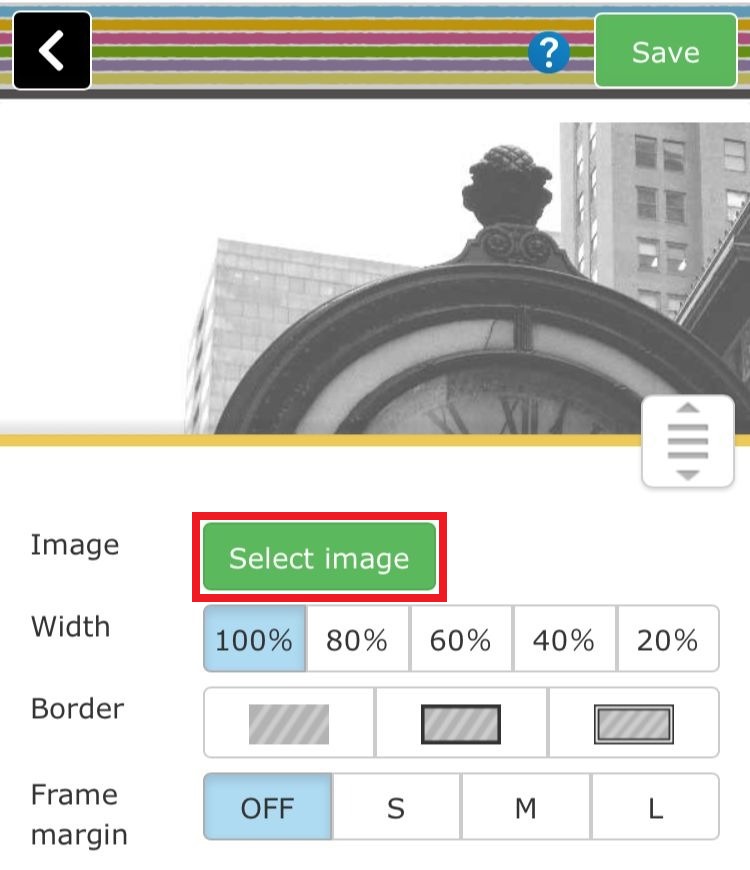
Click on the "image selection" button in the part setting..
Step 02
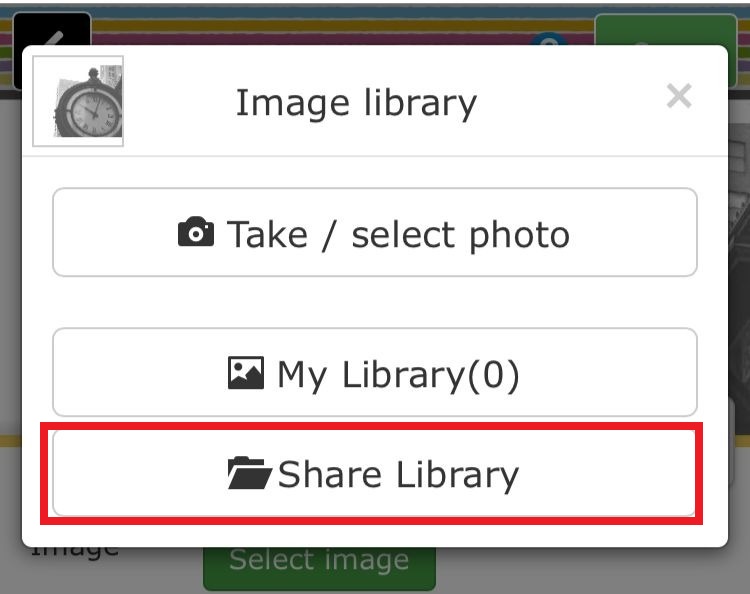
The "Image library" menu will be displayed, click on the "share library"..
Step 03
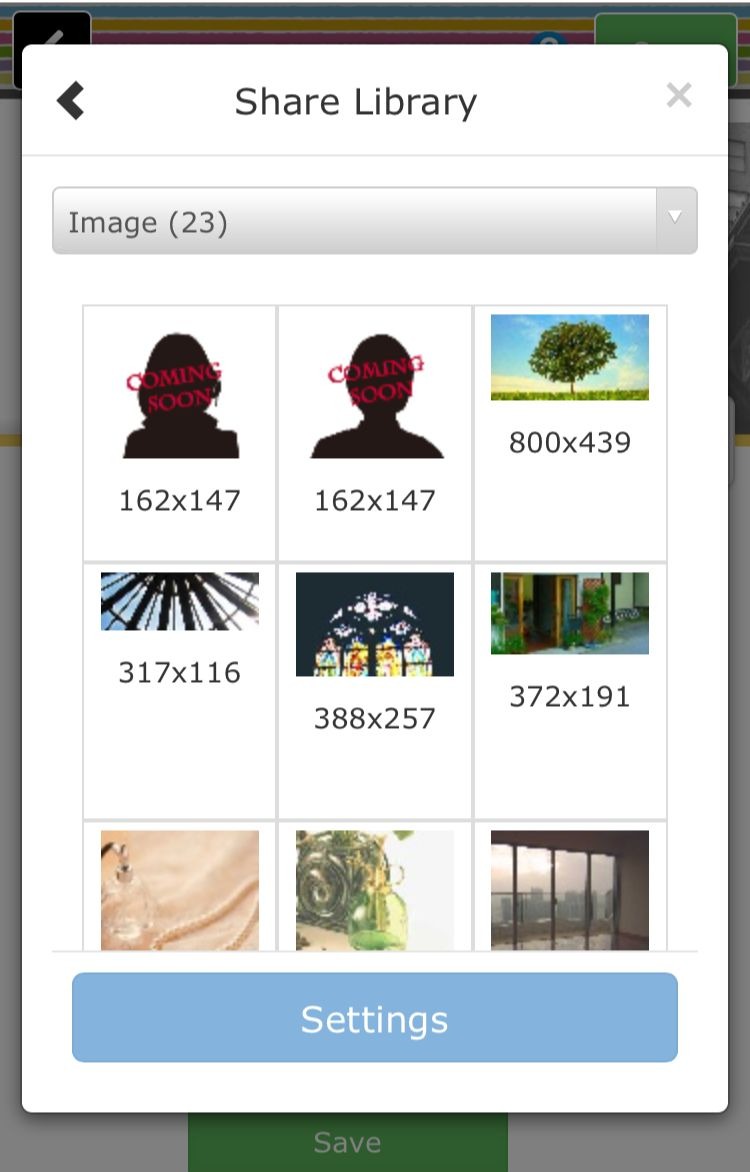
A list of registered images will displayed..
Step 04
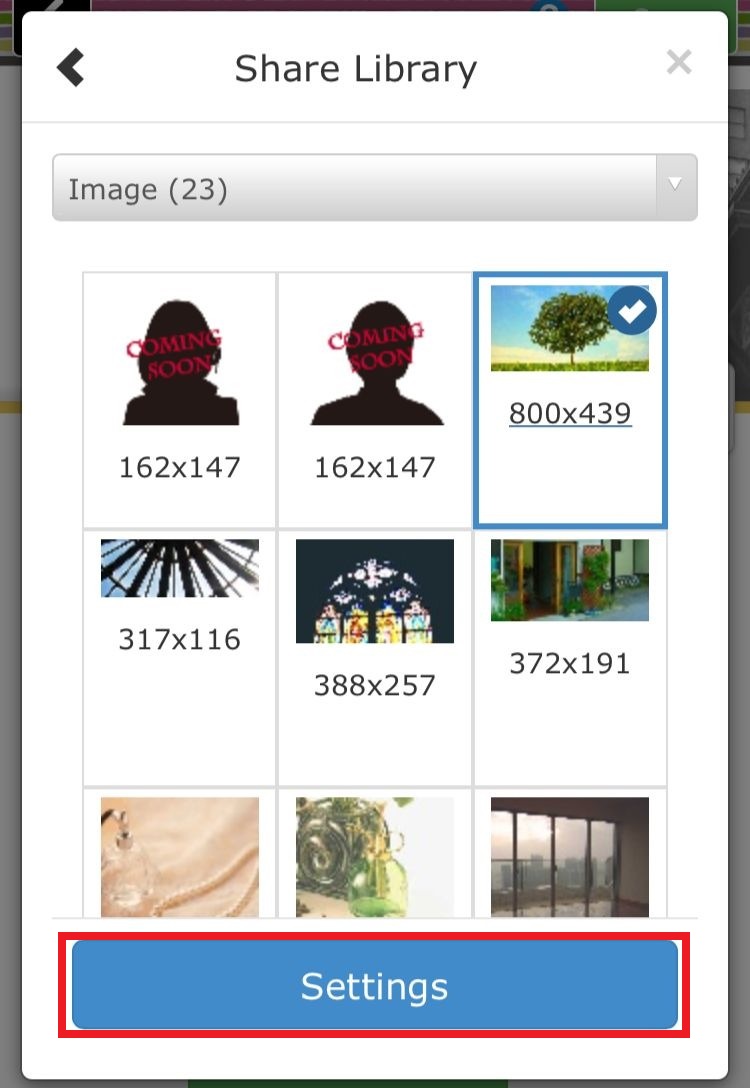
To use the registered image, please select desired image and click Setting button...
Step 06
Click the setting button to switch the image...
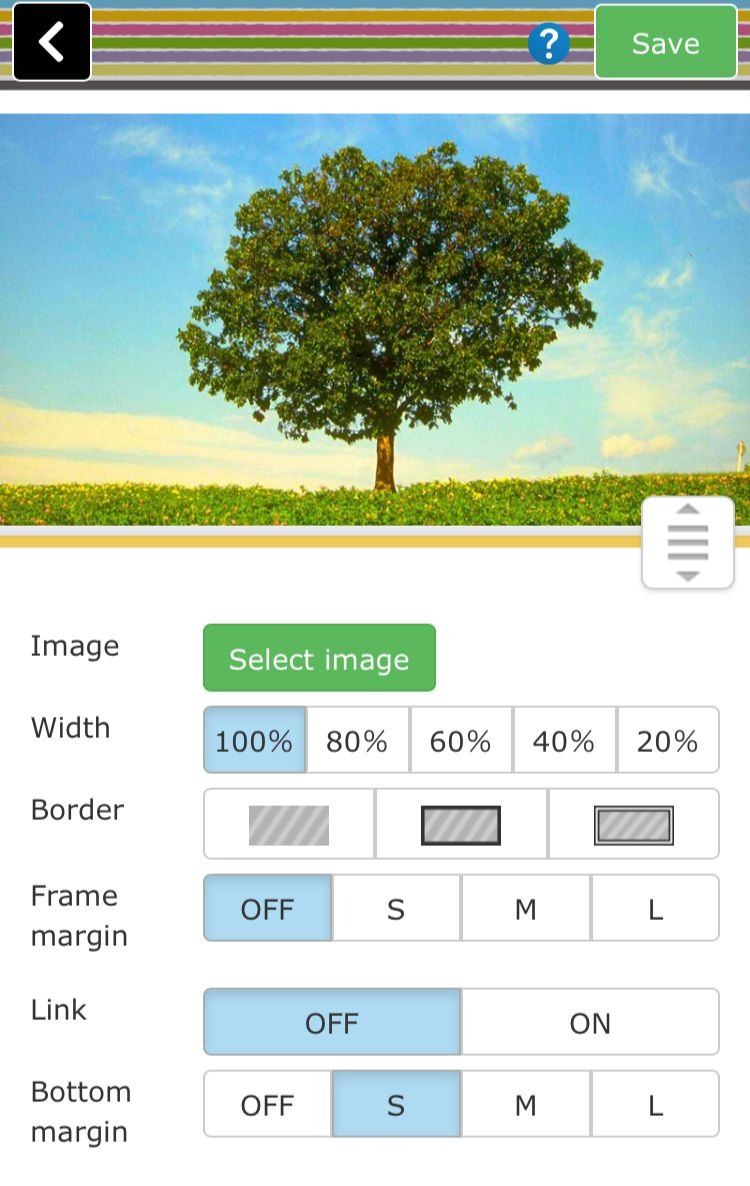
Click the "Save" icon in top of the page to finish the editing...
