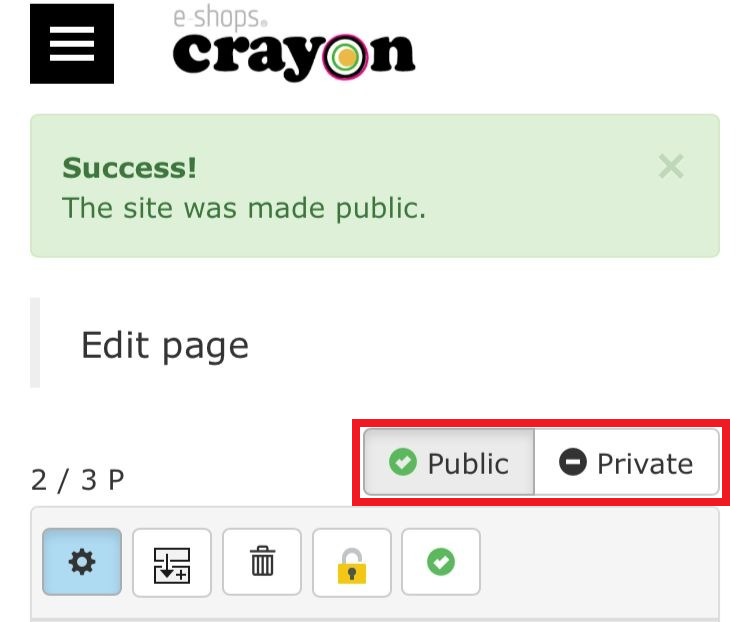
By using the public / private setting of the homepage, you can proceed with the editing work / addition work without having the viewer to see the page being edited..
The setting method of the "public" and "private" of the homepage..
Step 01
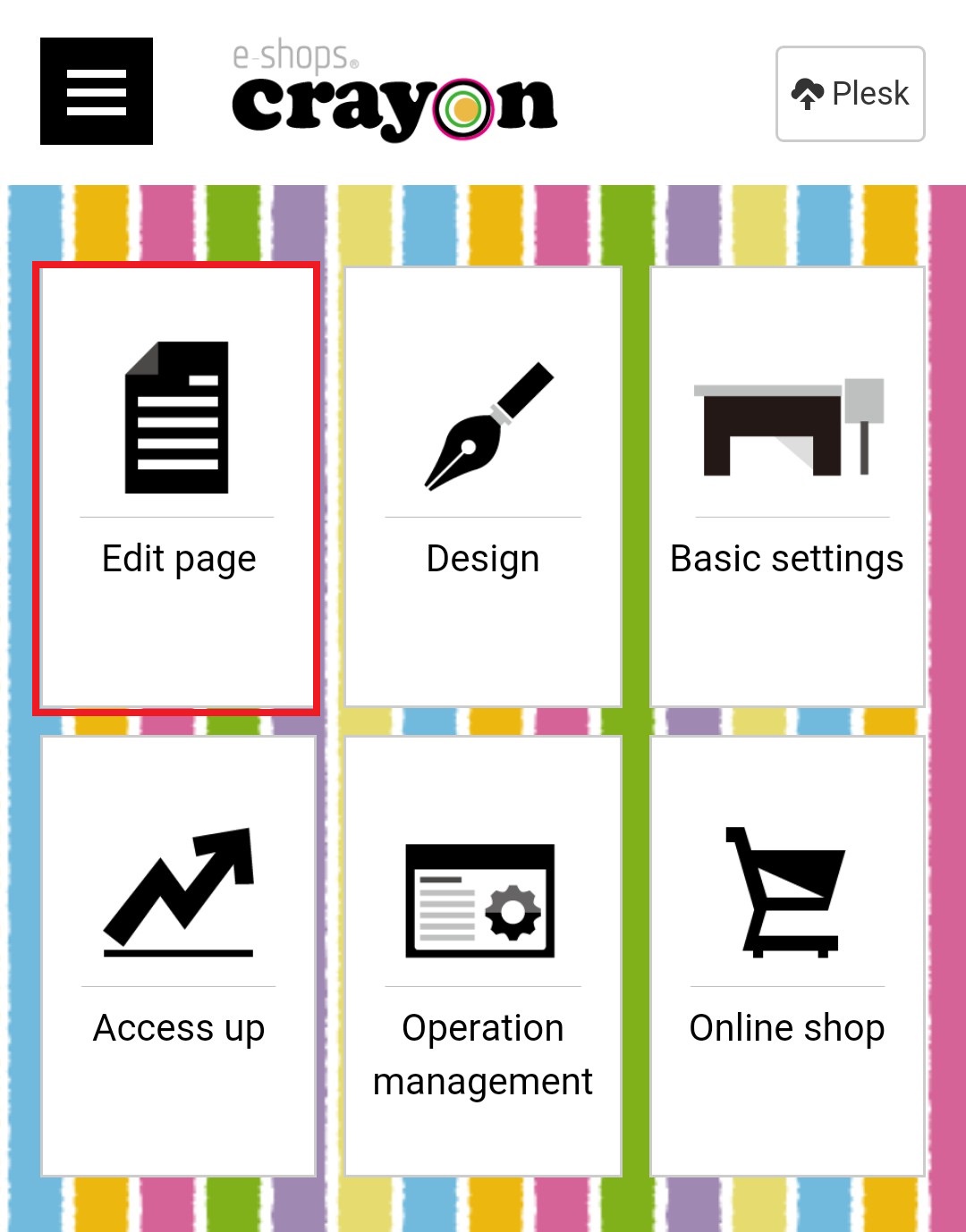
Click "Edit Page" on the e-shops crayon management screen...
Step 02
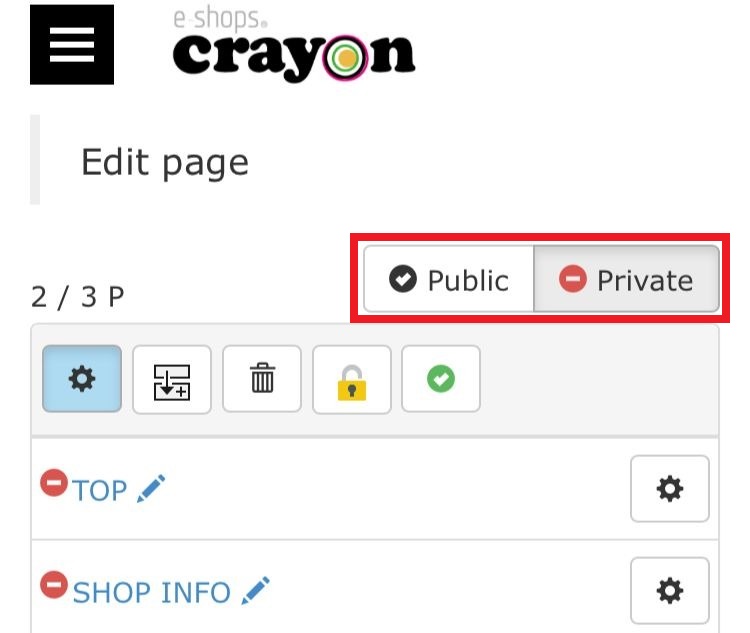
"Private" is selected when starting the service....
Step 03
When click the on the "Public" button the page will published..