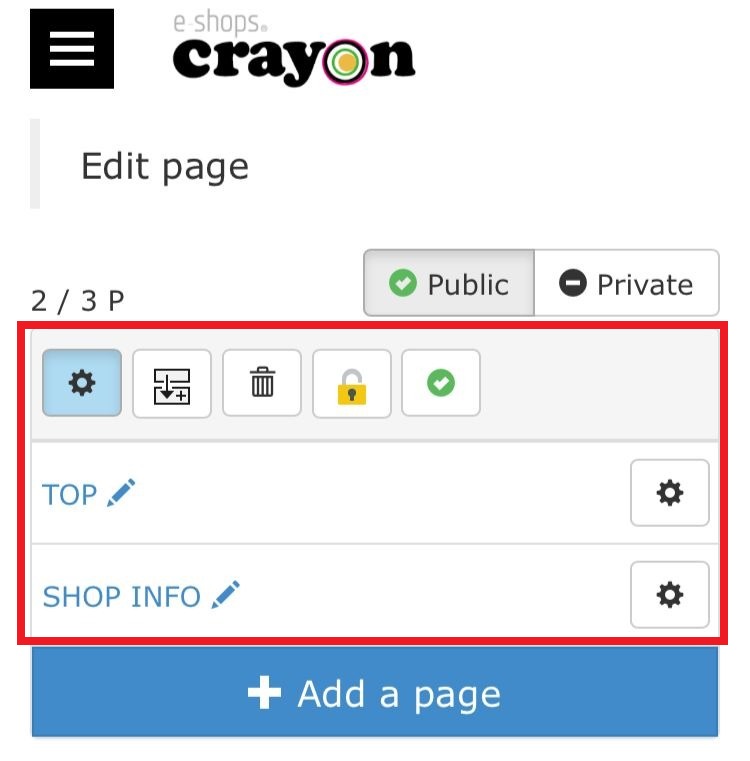
In "Page Editing" you can perform various editing tasks such as editing to the homepage published, adding parts, changing the display order etc..
** The steps of page editing proceed**
Step 01
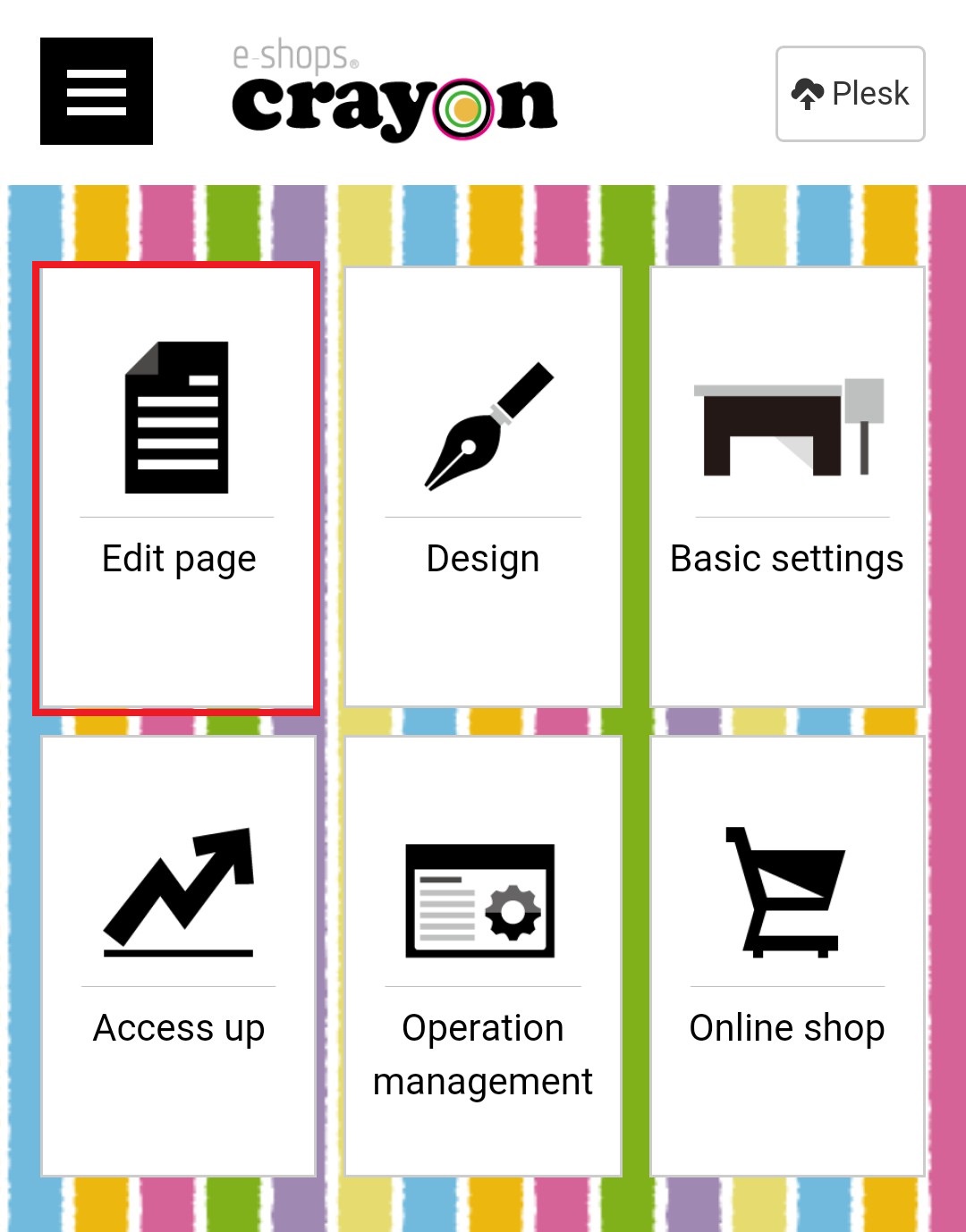
Click "Edit Page" on the e-shops crayon management screen..
Step 02
When the "page selection" screen is displayed, you can conduct editing work such as editing pages, adding parts, changing display order from here..