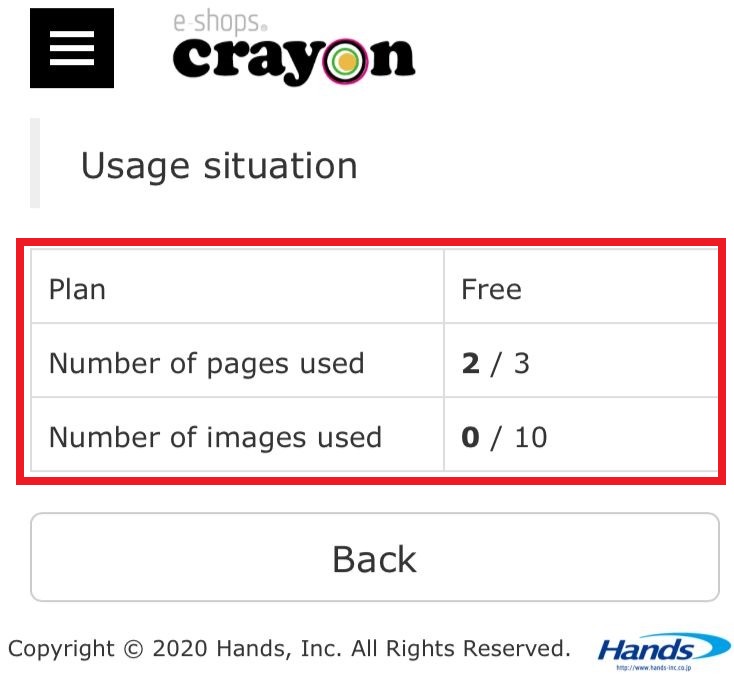
In "Operation management" function you can check the usage status (number of pages to be used, number of images used) and confirm the previous page view.. (number of pages referenced on the homepage).
Note -
For page view (access analysis), you can refer to the page view of the previous day only.
So understand that you can not see the past history earlier..
**Procedure of using "Operation management function"**
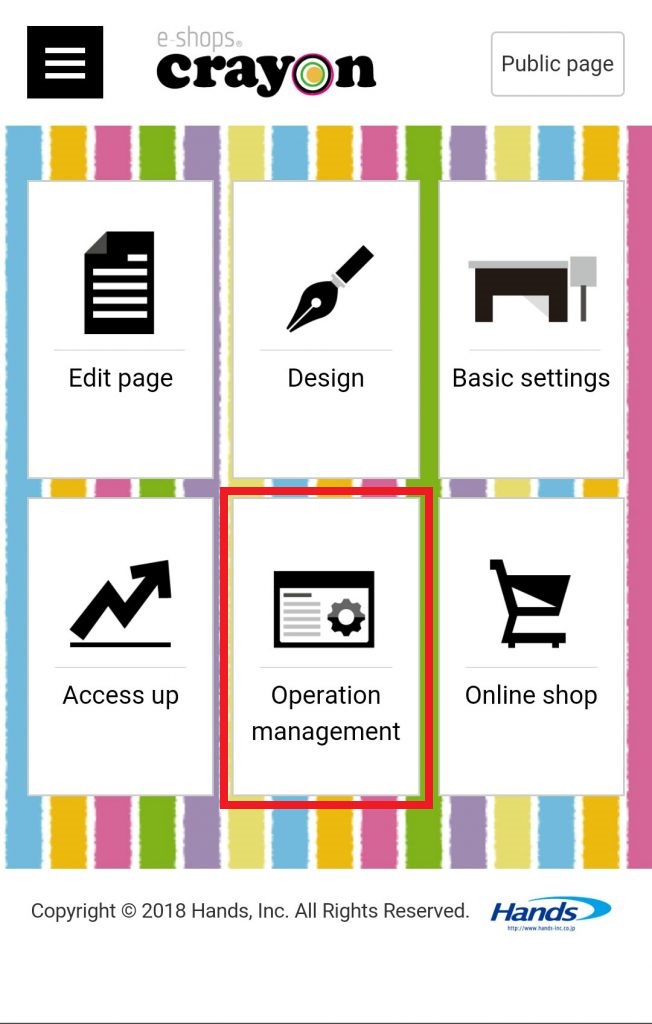
Step 01
Click "Operation management" on the e - shops crayon management screen...
Step 02
The "Operation management" screen is displayed... If you want to check the usage status, click on "Usage situation"..
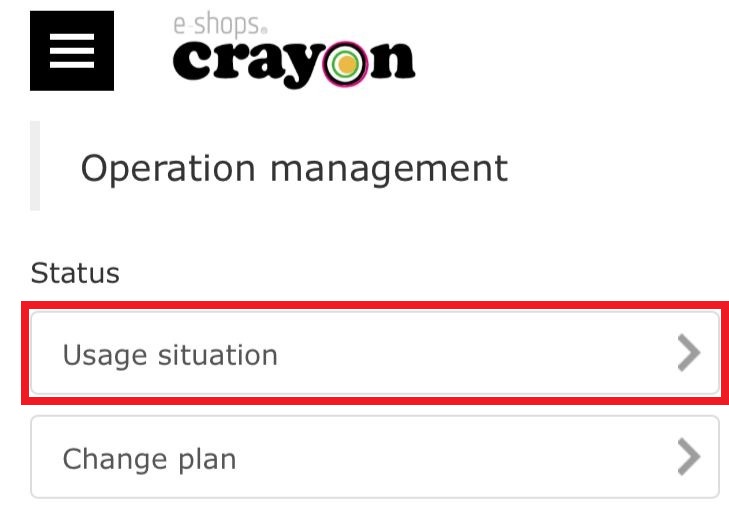
Step 03
Now you can see the usage situation of your homepage..