The site (homepage) URL can be changed using from "basic setting" on the management screen..
**procedure of changing the site (homepage) URL.**
Step 01
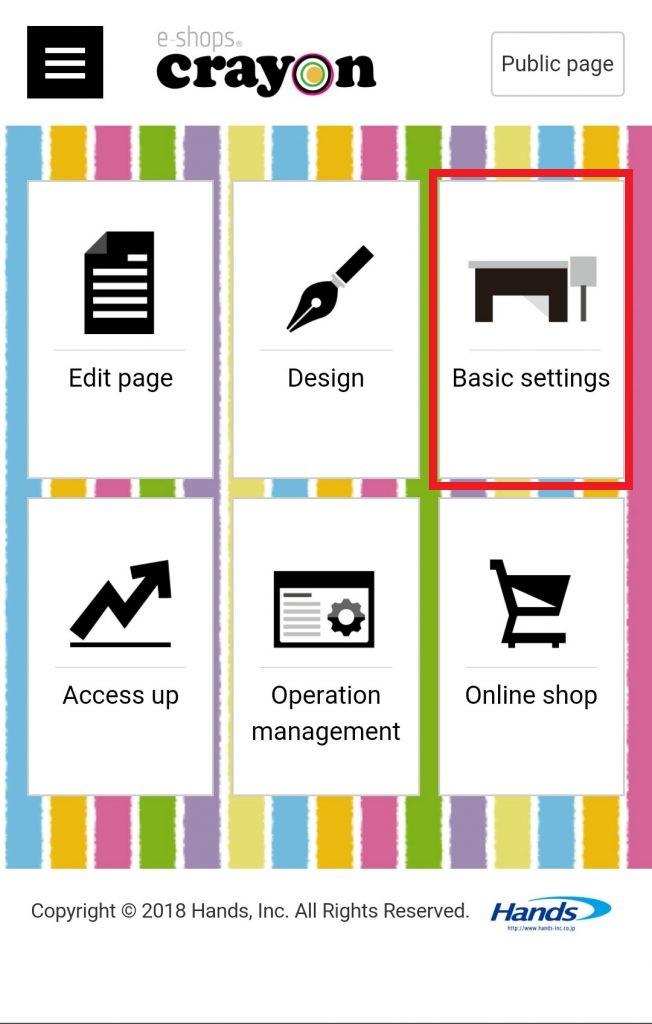
Click "Basic setting" on the e - shops crayon management screen...
Step 02
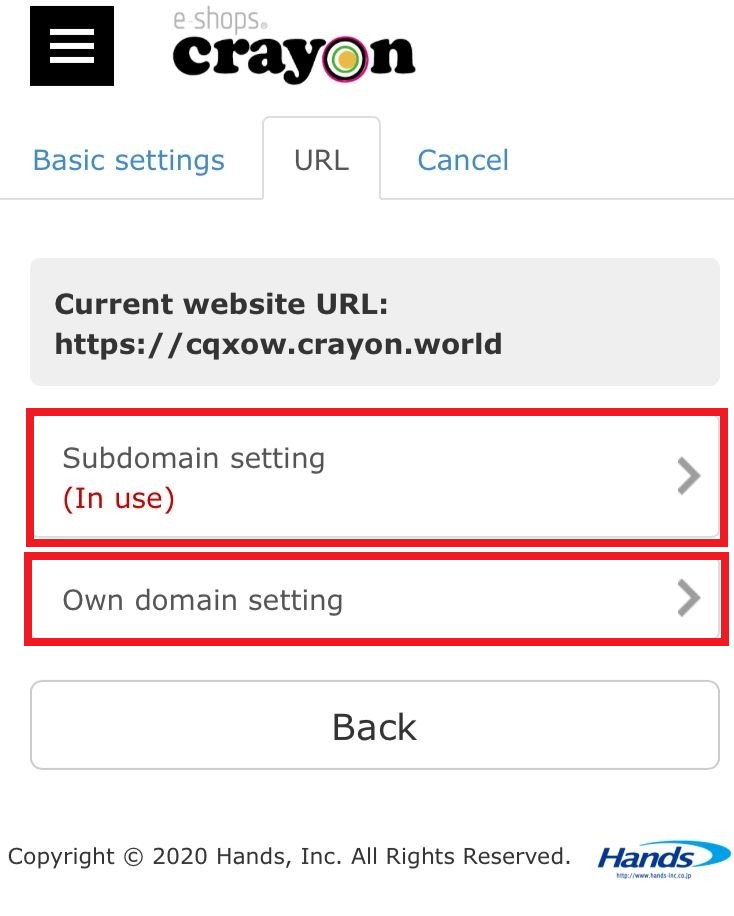
Clicking on the "URL" icon of the screen will display the change form of the homepage address...
* If you enter the information already used, an error will be displayed.
* After completing the change procedure, it may be impossible to return to the site (homepage)
