When editing of a one page is completed and you want to edit another page,You can switch to the edit page from another page without returning to the "Page Selection" screen...
** procedure of changing the edit page**
Step 01
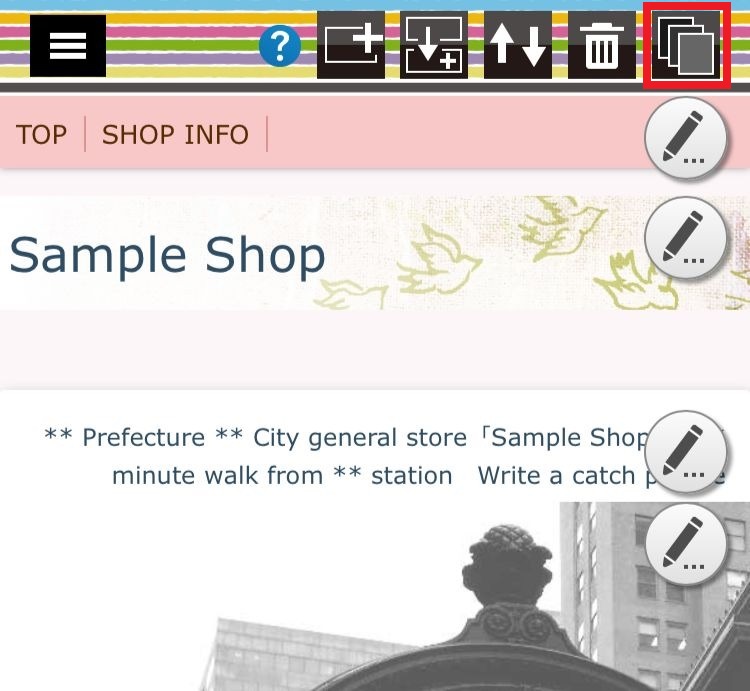
Click the "page change button" displayed in the upper right of the header section...
Step 02
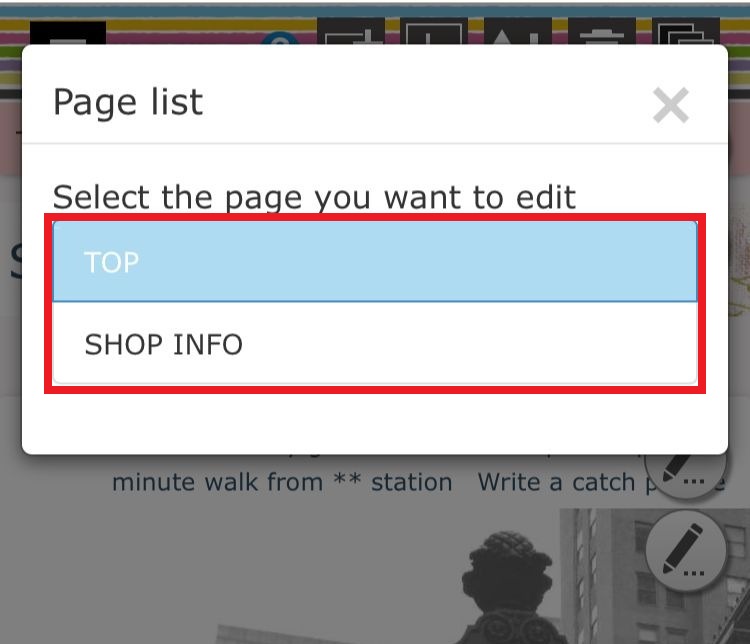
When the page list is displayed, clicking the page you want to edit will switch the page edit screen to the target page..