You can change the "color" selecting "design" item from the management screen...
** Selection procedure of color**
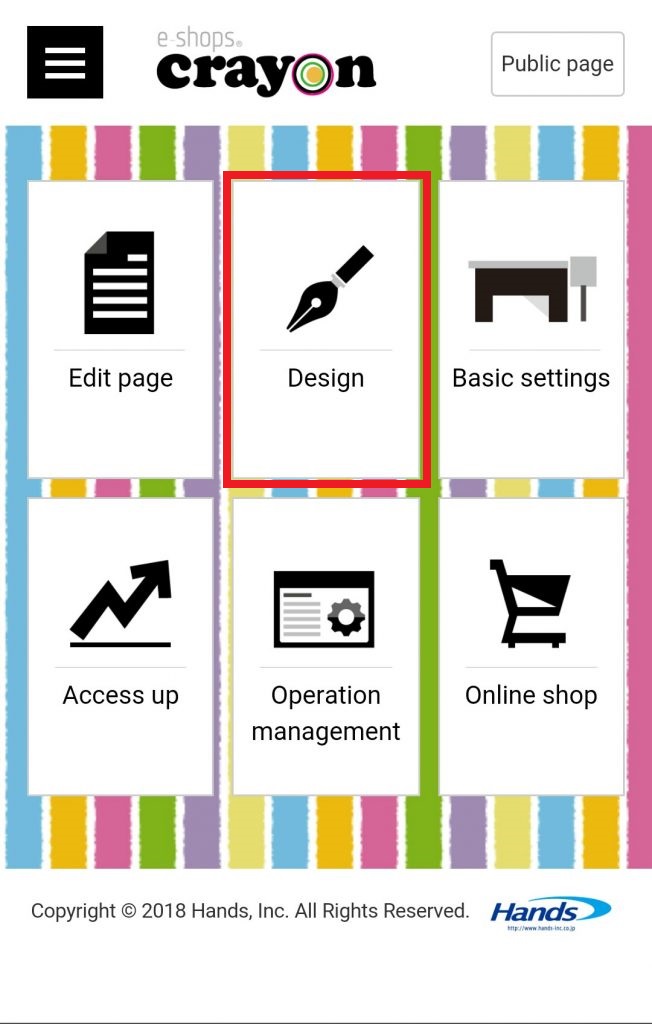
Step 01 - Click "Design" on e-shops crayon management screen
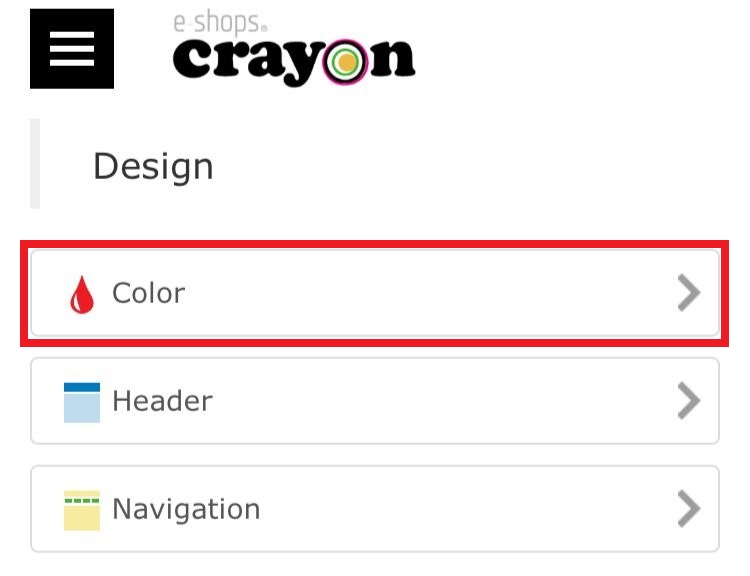
Step 02 - Then select the color icon from here..
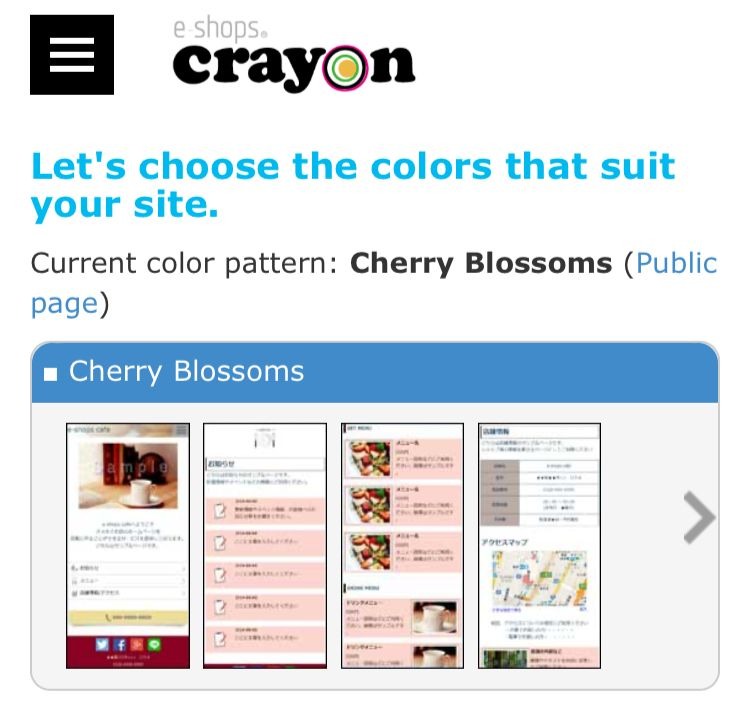
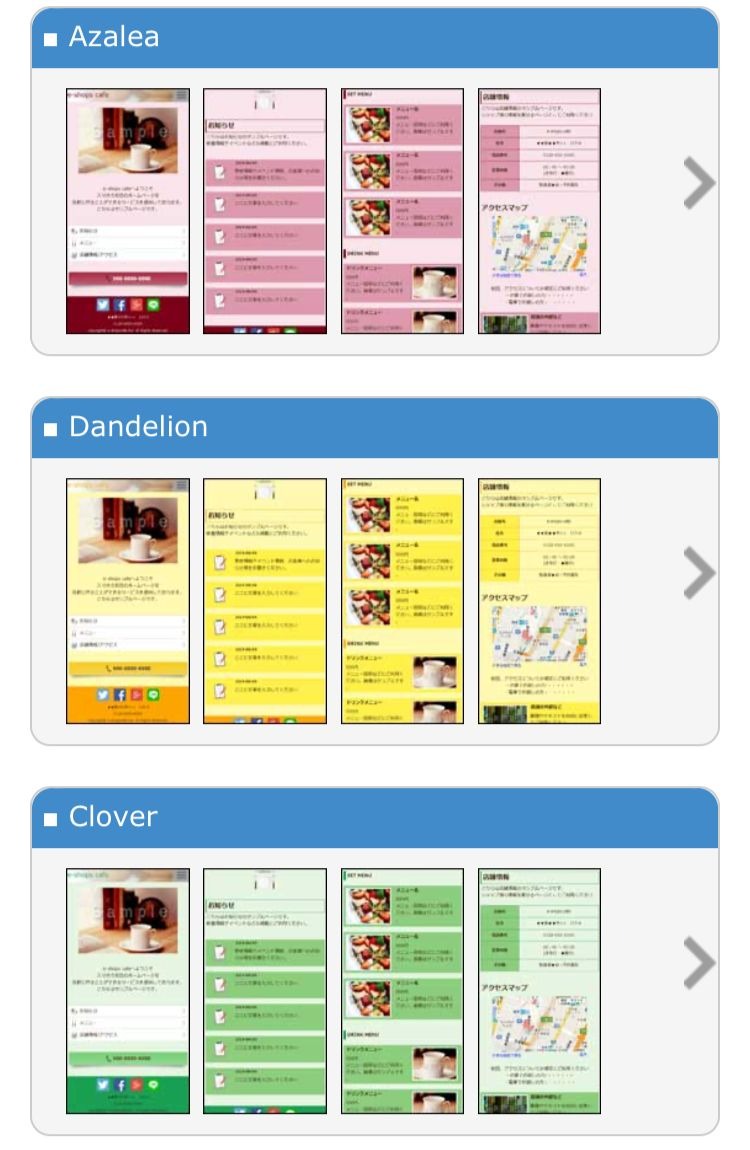
Step 03 - Now you can choose color pattern that suit for your site
** Change of "color" **
* The color of the public page will be selected from the color pattern prepared in advance..
* You can not directly edit HTML or CSS files or directly enter color codes..
