To add "parts" to the public page, add the work from "Edit Page"... procedure of adding "parts"...
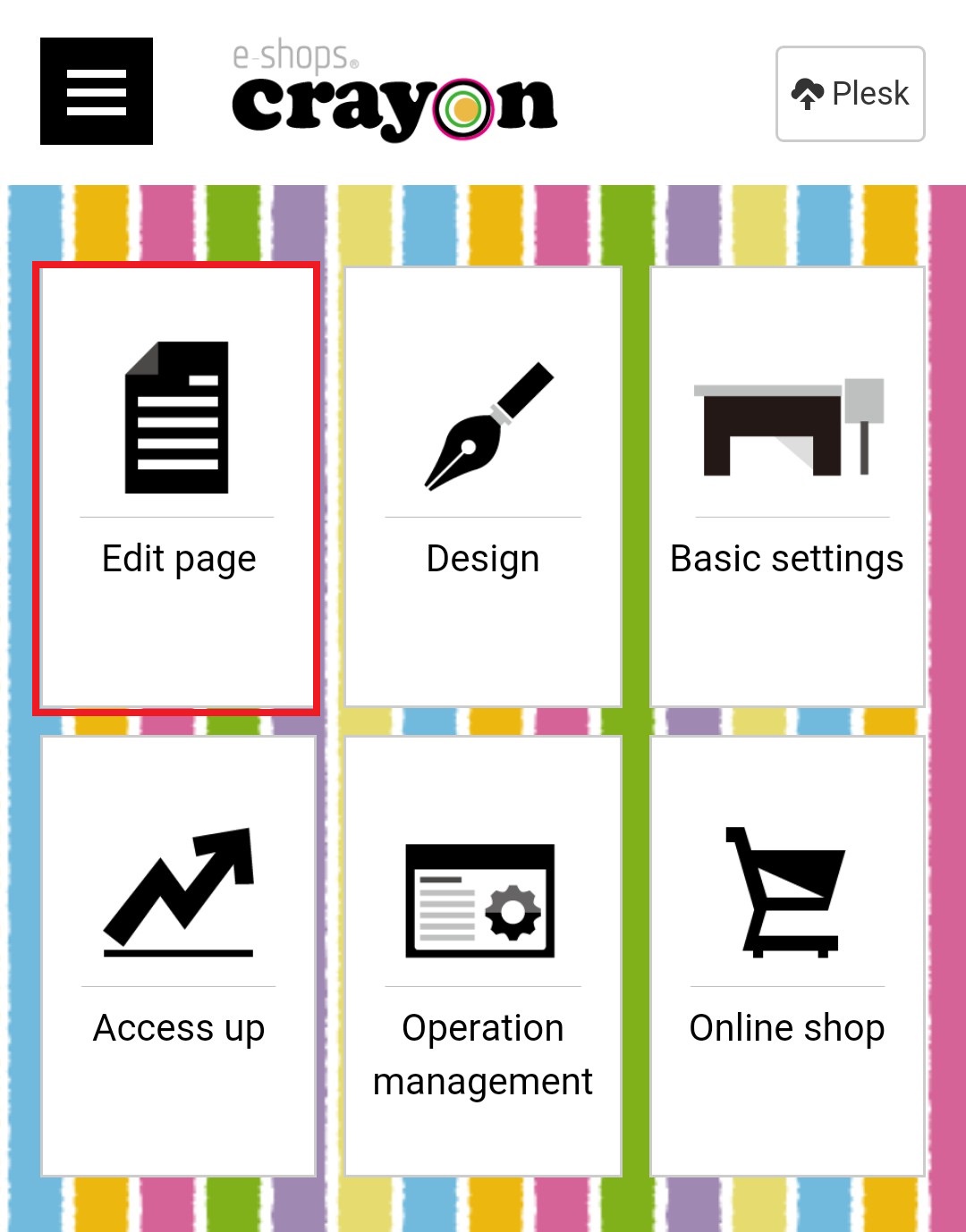
Step 01 - Click "Edit Page" on e-shops crayon management screen..
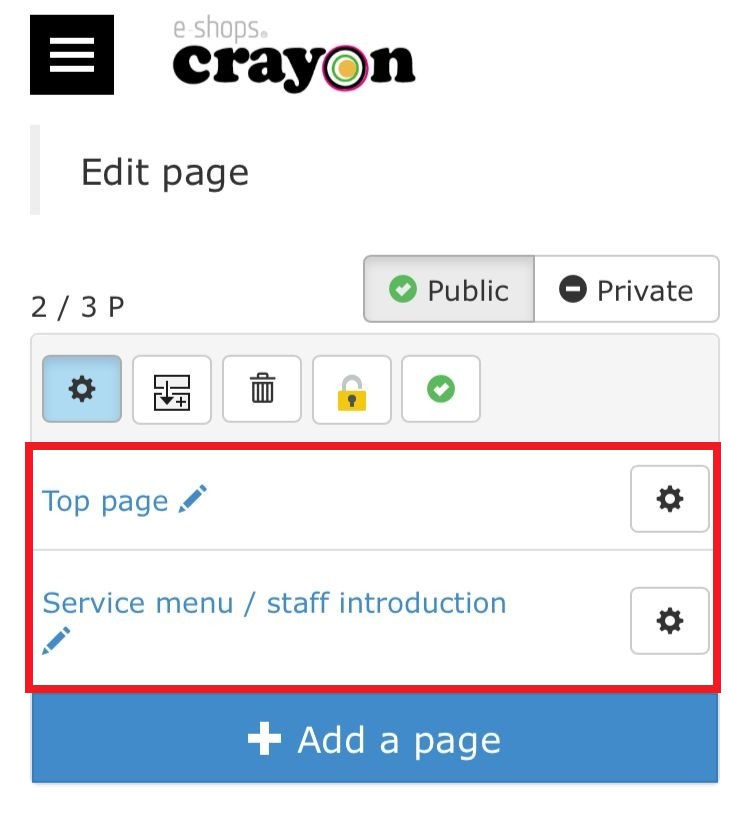
Step 02 - The page selection screen will be displayed, Then select the page you want to add parts..
Step 03 - when the page editing mode is displayed, click the part addition icon in the header part..
Step 04 - When the "parts" list is displayed, select the item you want to add and continue the work..
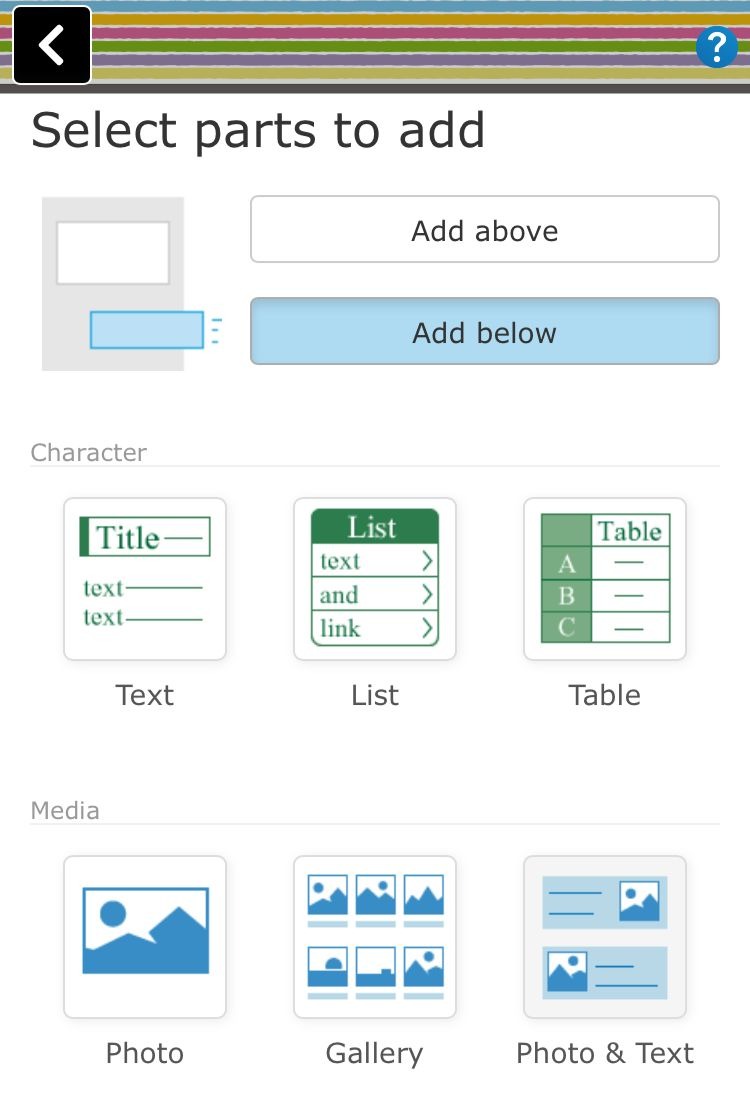
*** About "Add above" and "Add below" in "Select parts to add"***
* If you select "1: Add above", the added parts will be inserted at the top of the page (under the header)..
* If you select "Add below", the added part will be inserted at the bottom of the page (on the footer)..
