Slide show part is a part that can display multiple photos sliding in order..
** How to use the slideshow parts**
Step 01
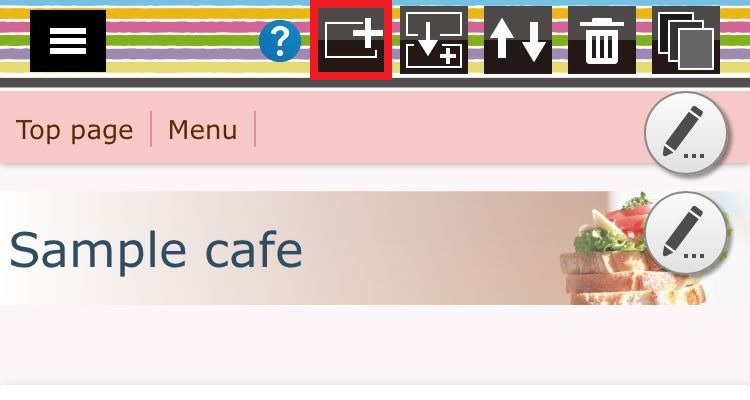
Press the part addition button and move to the part selection screen..
Step 02
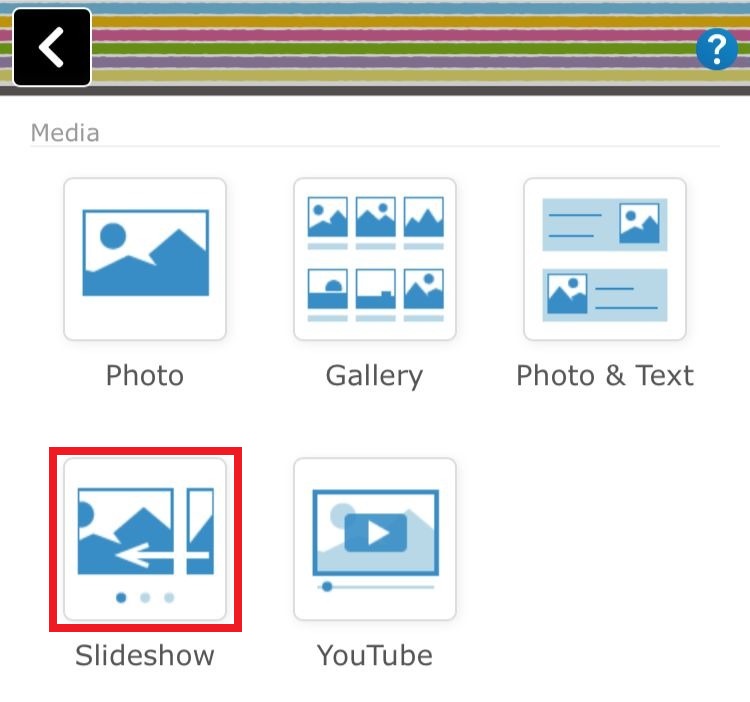
Select the "Slideshow" from parts selection screen..
Step 03
Then "Slideshow" setting screen will be displayed.. Now you can Register images and set the display format..
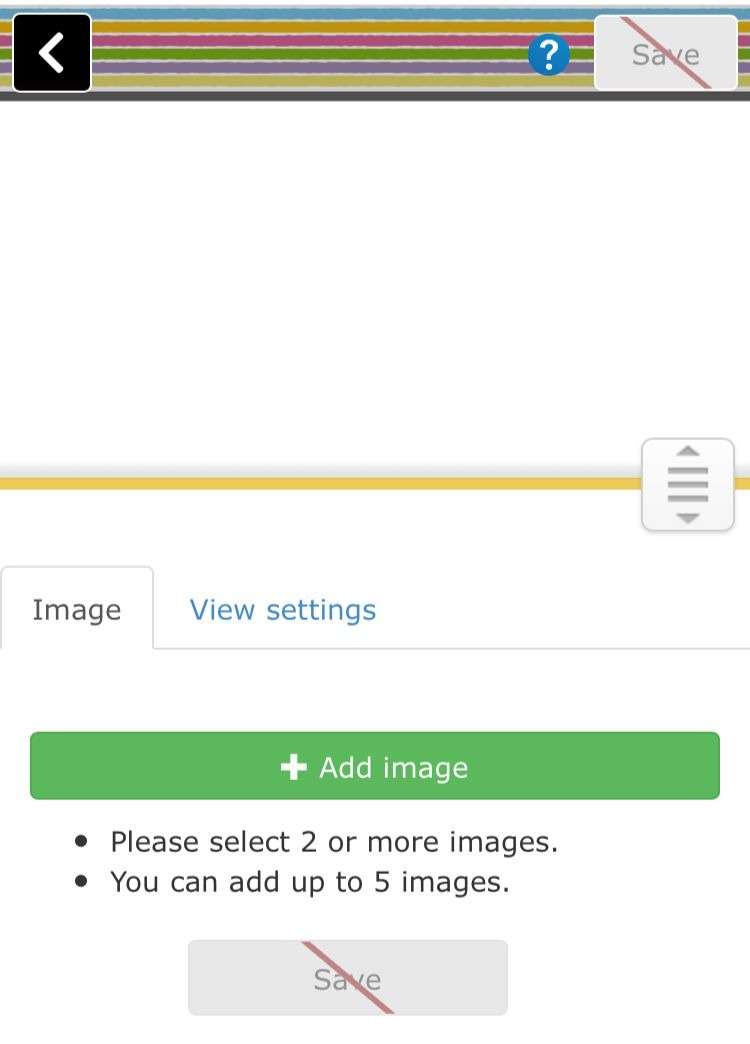
** Clicking on "Image" icon you can add images that get in to slideshow..
** Clicking on "View settings" you can set view style such as image size, image display method, slide speed, automatic slide, etc..
