Photo list part is a part that can display pictures as a list.. Photograph list parts can show multiple photos side by side.. So you can use them when you want to introduce the scenery inside the shop, products, staff photos etc together.. In addition you can add simple comments for each photo , automatically switch to expand view when browsing and you can also see the photos as list in order.. Up to 20 photos can be registered..
** How to use the photo list parts**
Step 01
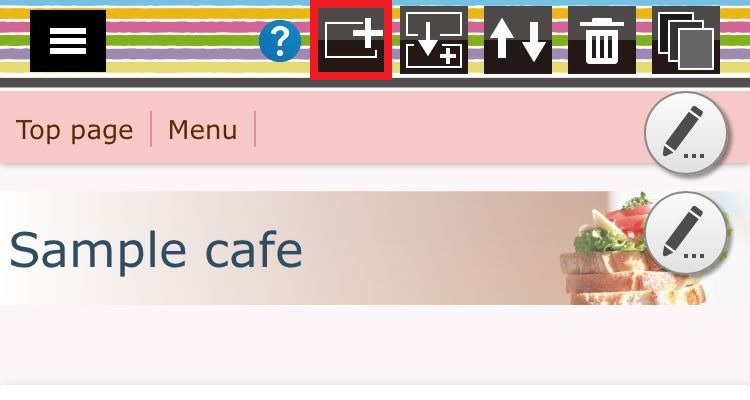
Press the part addition button.. ("+" mark icon of the header)
Step 02
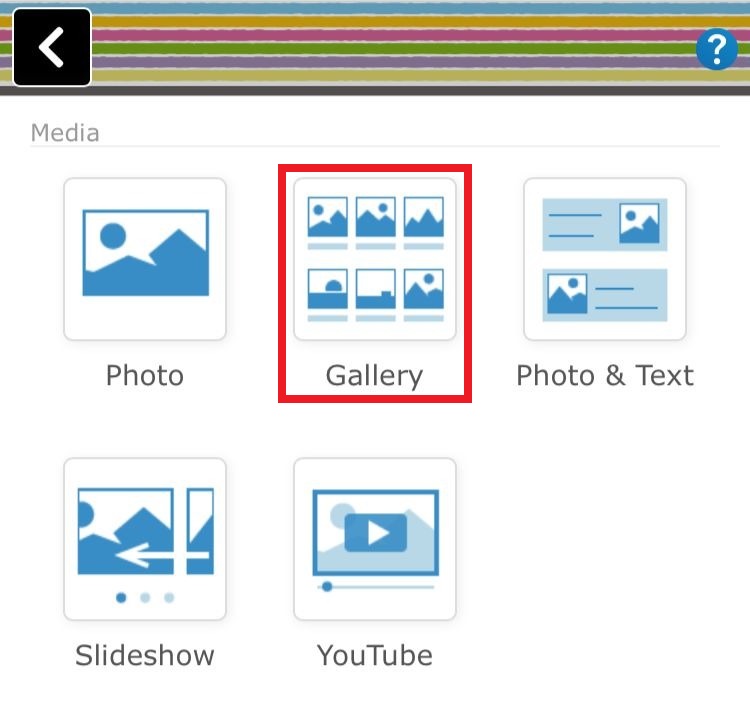
Select the "Gallery"..
Step 03
Register the images and set the display format..
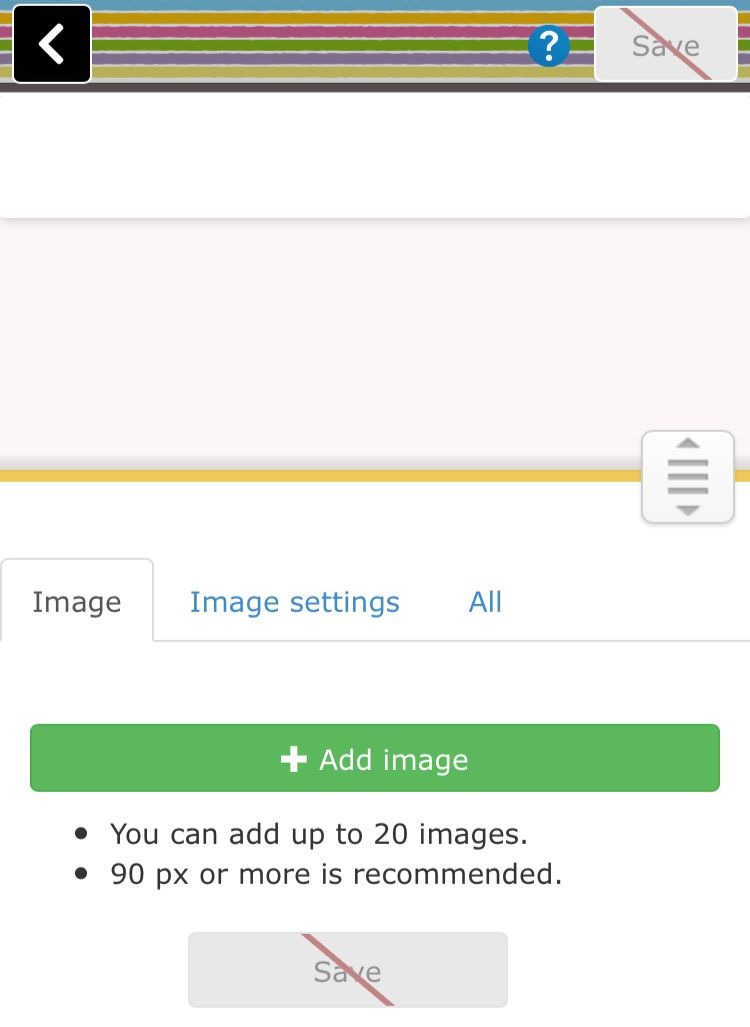
** Clicking on the "Image" icon you can add your images..
** Clicking on the "Image settings" icon you can set the display style such as image size, display frame format, frame size and so on..
** Clicking on the "All" icon will perform display adjustment of the parts.. (background color, margin setting, etc.)
